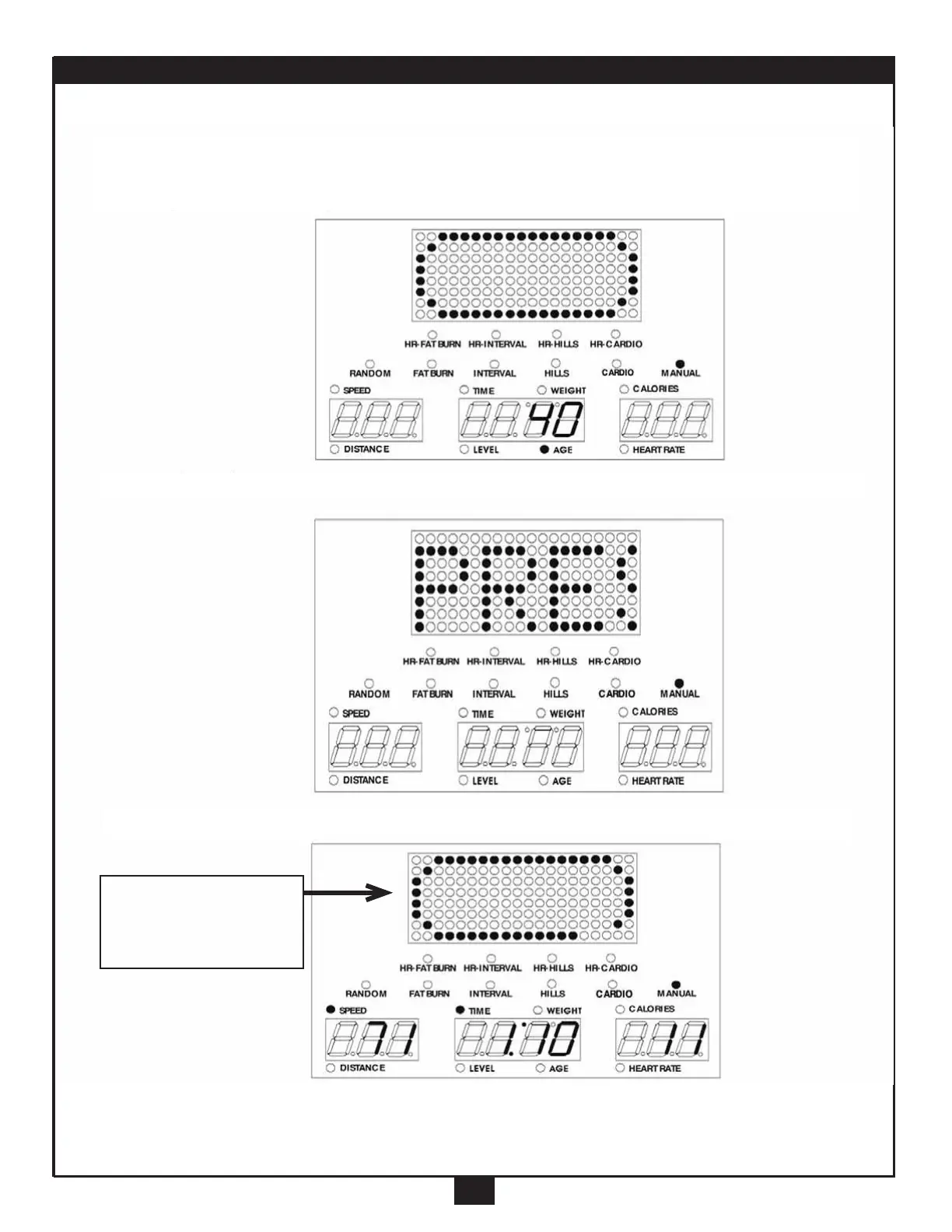
MANUAL
10
C. Press the “Enter” button, until the AGE light goes on. The Age Screen will
display 40(flashing), us the “+/-” button to adjust.
D. Press the “Enter” button, until the Main Readout scrolls “PRESS START”
E. Press the “Start” button, to start the program.
The oval track
distance equals
.25 miles



 To Next Page