MANUAL
9
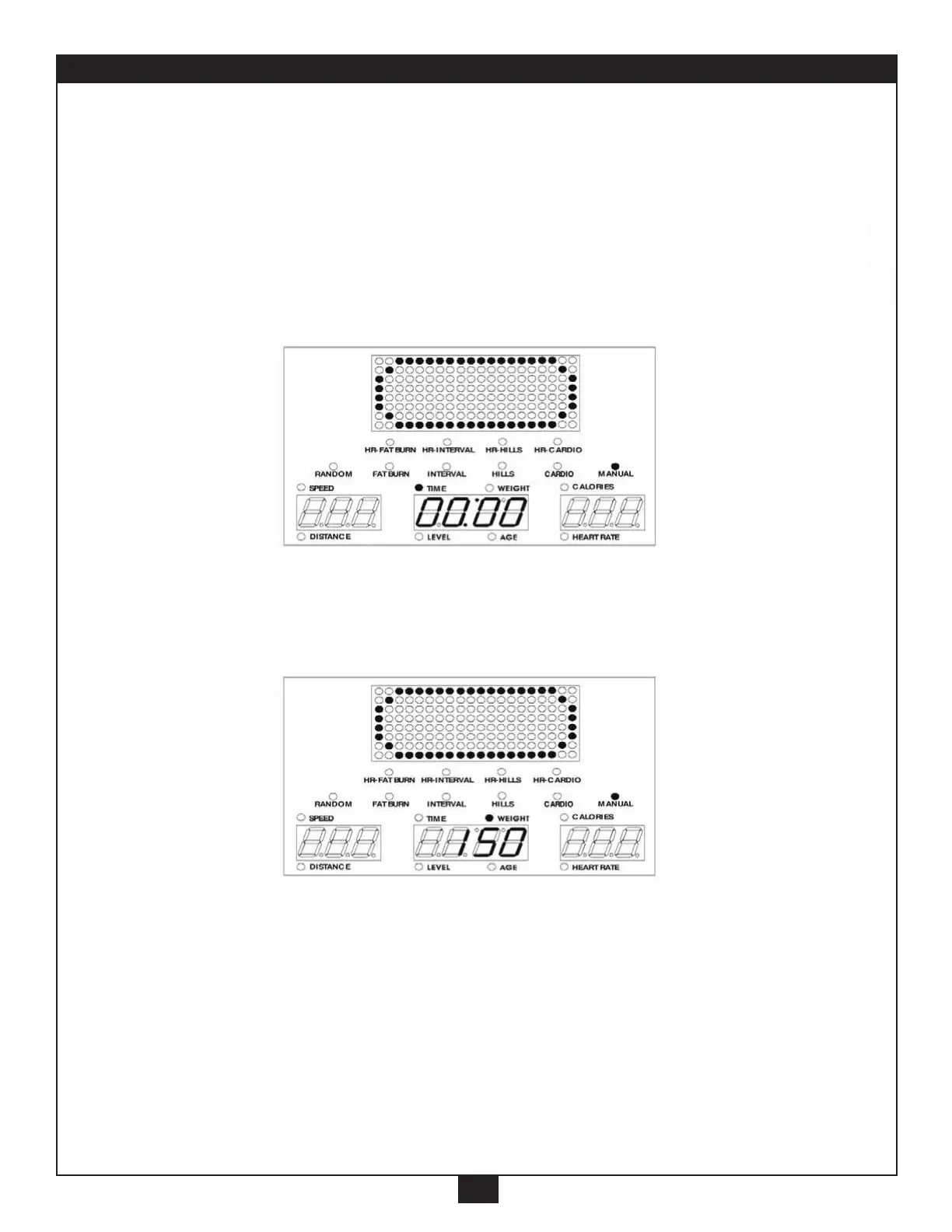
2. MANUAL Program: The fastest and simplest way to get started. Just get on the
machine, input the basic information and start moving.
A. Press the “Manual” button (the MANUAL light will go on, and the Main
Readout will display an “oval” graphic). Set up the Time, using the “+/-”
button.
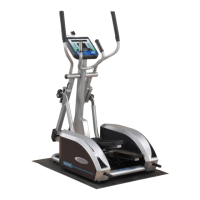
B. Press the “Enter” button, until the WEIGHT light goes on. The Weight
Screen will display 150(flashing), us the “+/-” button to adjust.



 To Next Page