21
HEART RATE CONTROL (E7HRC ONLY)
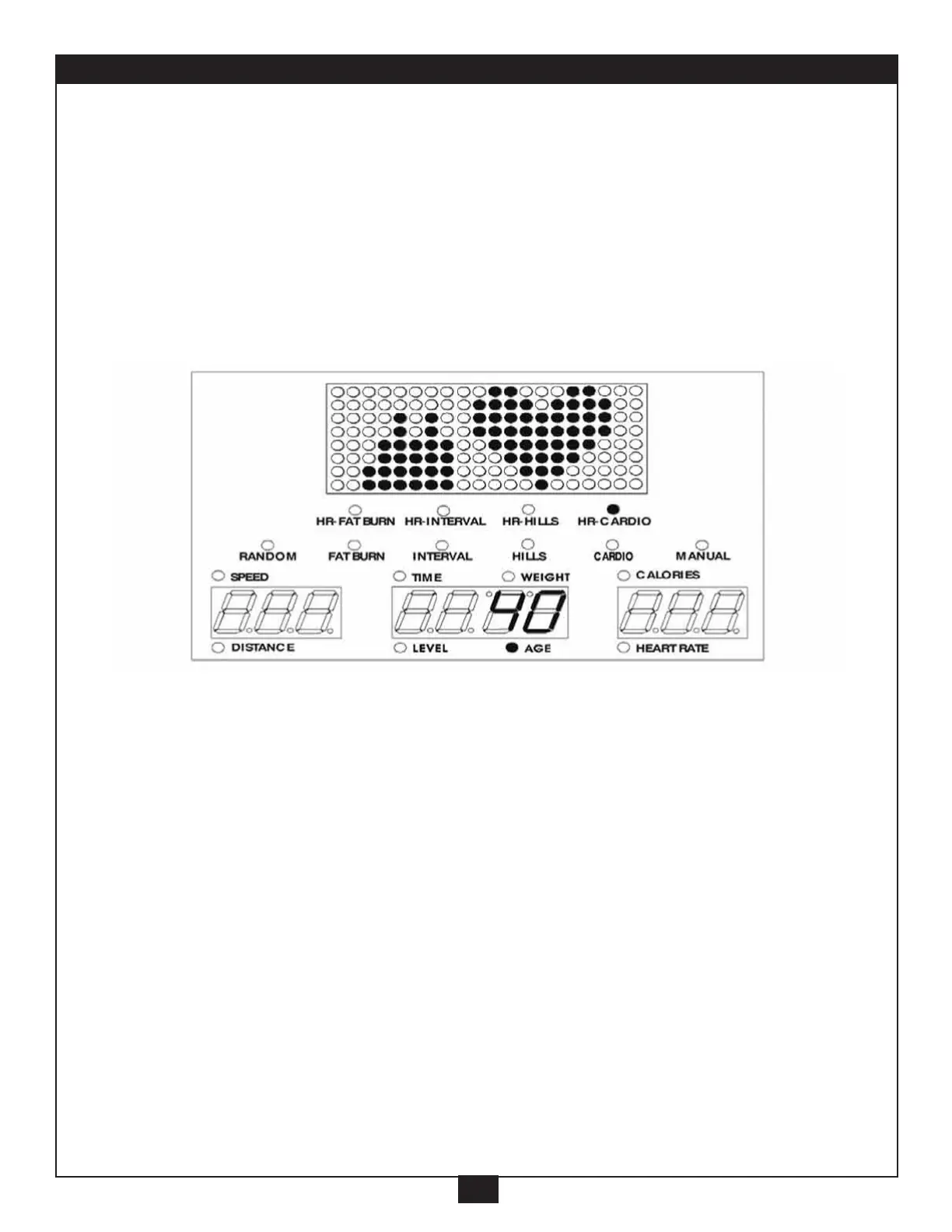
4. HR CARDIO program:
Maximizes calorie burn by keeping your heart rate at 80% of your
CMHR. During the initial 3 minute warm up, the levels may be
adjusted. After the warm up, the computer will control the levels to
maintain your heart rate at the pre-determined level.
A. Press “HR CARDIO” button (“HR CARDIO” light will go on).
B. Setup the “AGE”,
*
Setup the same way as in the Manual program. (on pages 8 and 9).
Press “ENTER”.
C. Input your Target Heart Rate using the “+/-” button
(for your Target Heart Rate, see page 20).
Press “ENTER”.
D. Setup the “TIME”,
*
, Press “ENTER”.
Setup the “WEIGHT”,
*
, Press “ENTER”.
Setup the “LEVEL”,
*
, Press “ENTER”.
E. The Main Readout will scroll “PRESS START”.
Press “START” button, to start the program.
F. You can still adjust the level with the “+/-” button.



 To Next Page