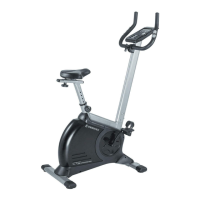
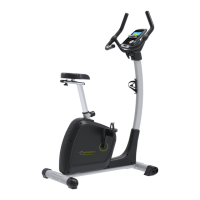
Use UP or DOWN (Encoder) to select workout: M (Manual) ->P (Program 1-12) -> (H.R.C) -> W (WATTS)
-> U (User), press MODE / ENTER to get into.
Press START in main menu may start workout in manual mode directly.
1. Use UP or DOWN (Encoder) to select workout program, choose M and press MODE / ENTER to get
into.
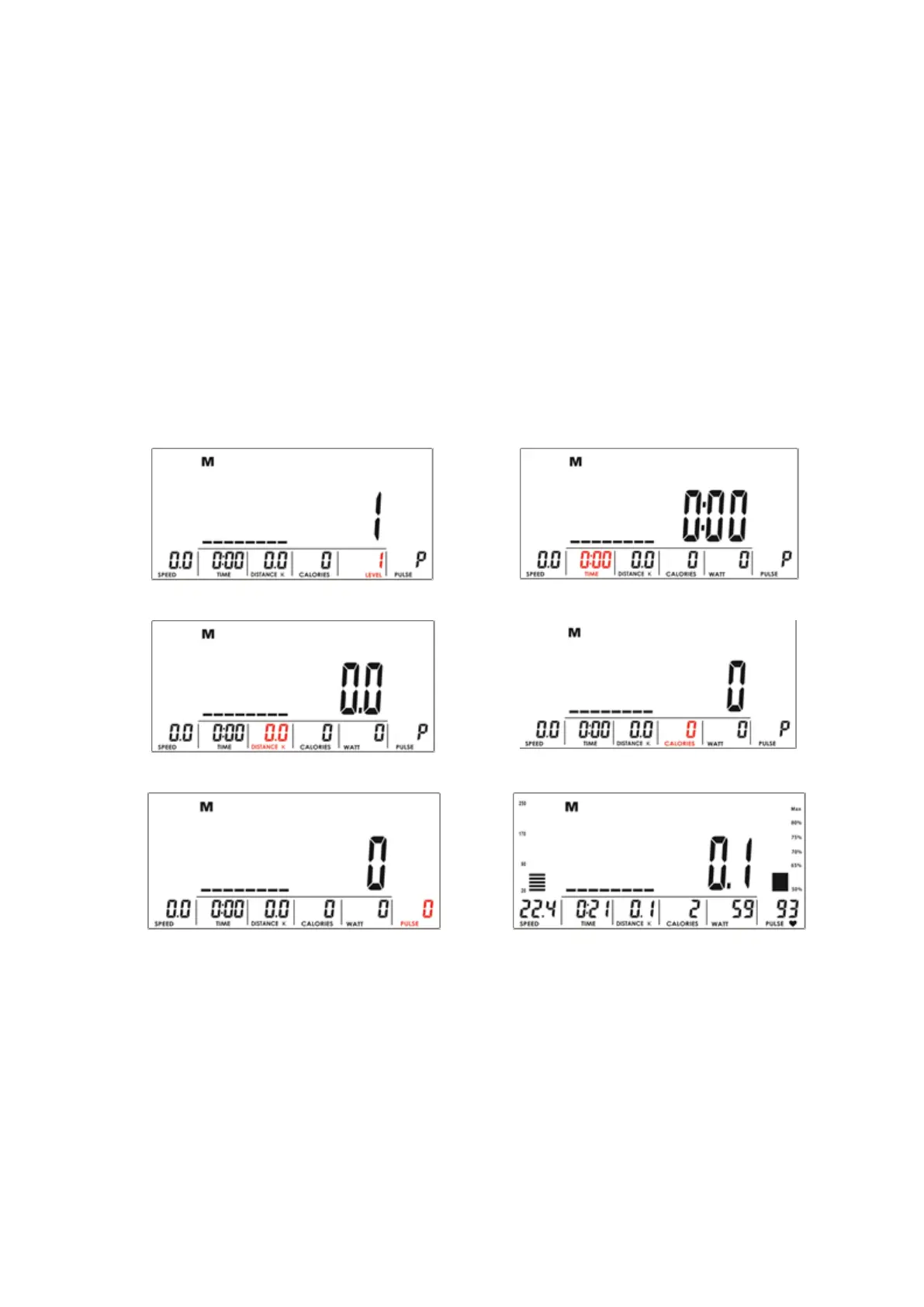
2. Use UP or DOWN (Encoder) to adjust load level (Drawing 4), preset value 1.
3. Use UP or DOWN (Encoder) to set TIME (Drawing 5), DISTANCE (Drawing 6), CALORIES (Drawing 7),
PULSE (Drawing 8) and press MODE / ENTER to confirm.
4. Press START/STOP key to start workout. During workout, user can also adjust load level by using UP
or DOWN (Encoder). Load level display in WATT window, no adjusting for 3s, it will switch to display
WATT (Drawing 9).
5. Press START/STOP key to pause workout. Press RESET to reverse to main menu.


 To Next Page