Wireless 11N USB Adapter
21
3. Installation for Mac OS
3.1. Installing the Drivers
Follow the steps below in order to install the USB adapter drivers:
1. Insert the CD that was provided to you in this package. The setup should run
automatically. If the setup does not run automatically, then must manually select
the index.htm file from the CD/DVD-ROM drive.
2. A list of drivers will be given on the screen. Please choose the driver for your
current operating system.
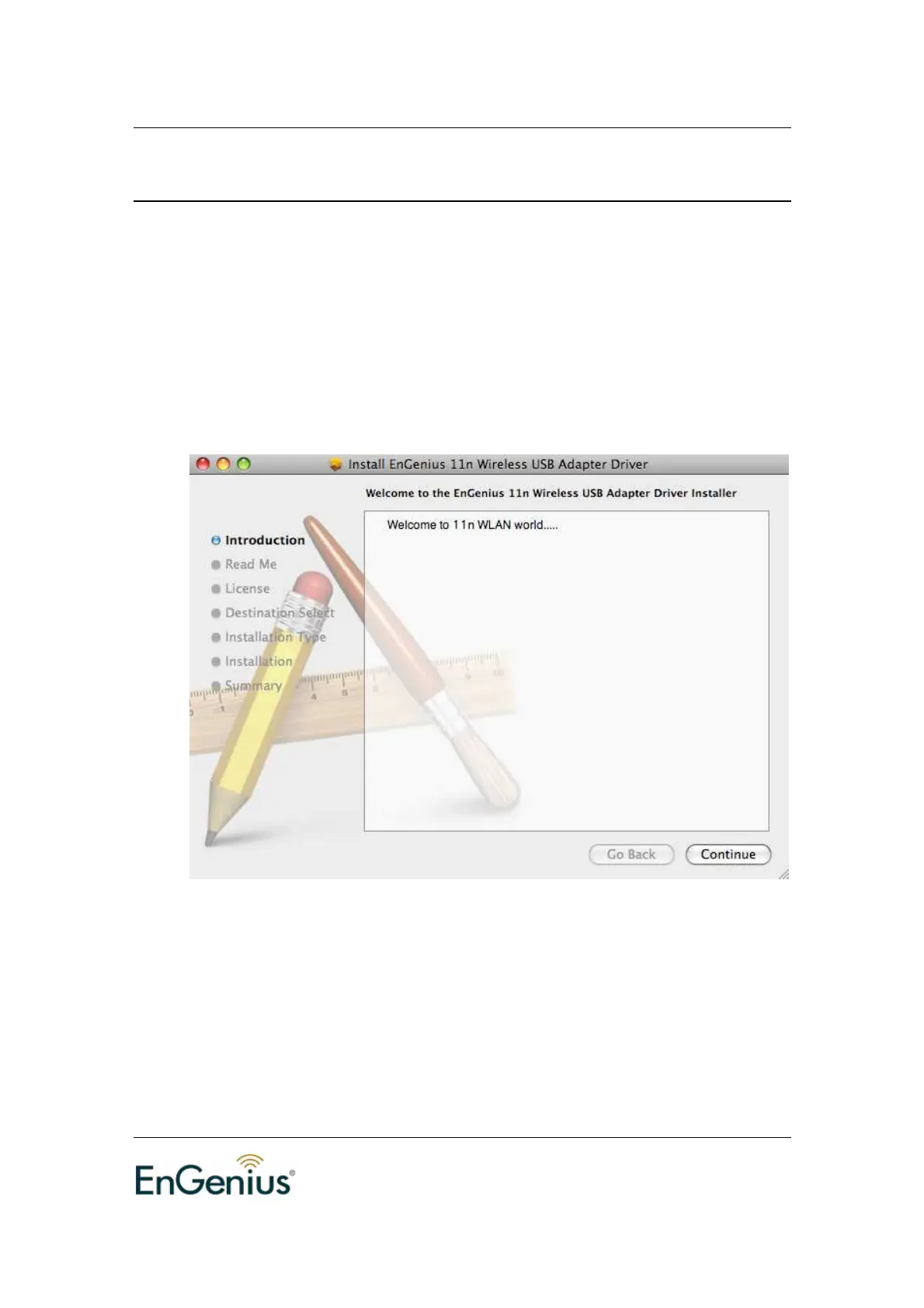
3. Introduction stage: Click on the Continue button to configure the next step.
4. Read Me Stage: Read the Important Information and then click on the Install
button.


 To Next Page