15
2.2. Ceiling / Wall Mount
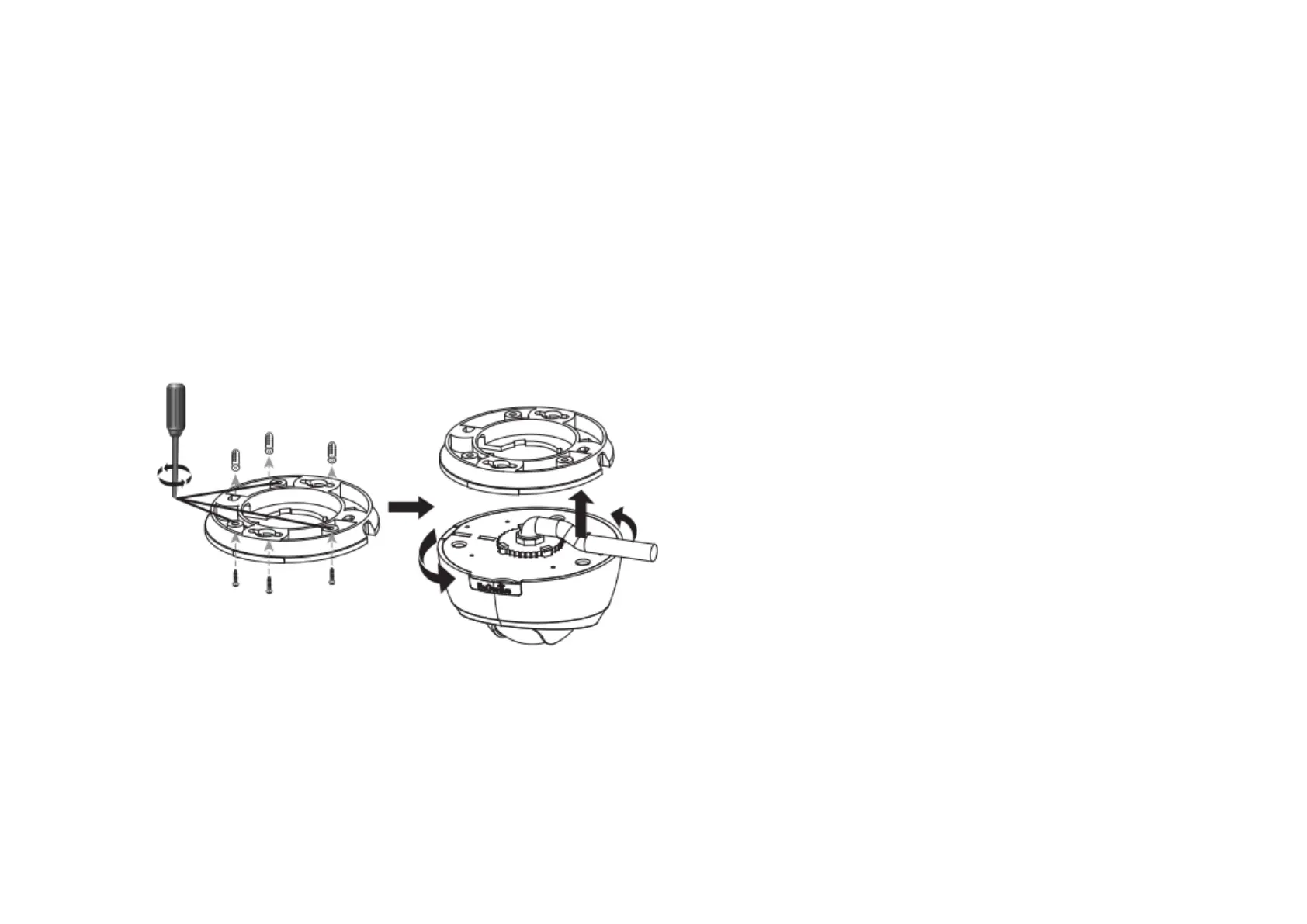
Locate an area on the ceiling / wall and make sure the area is capable of supporting the weight of camera.
Use the ceiling mount bracket screw slots to drill the mounting screws into the ceiling or wall.
Twist the camera body into the ceiling mount bracket and route cables into the side of conduit entry tunnel.
Twist the camera to set counter-clockwise carefully and slowly until it is secured firmly.



 To Next Page