17
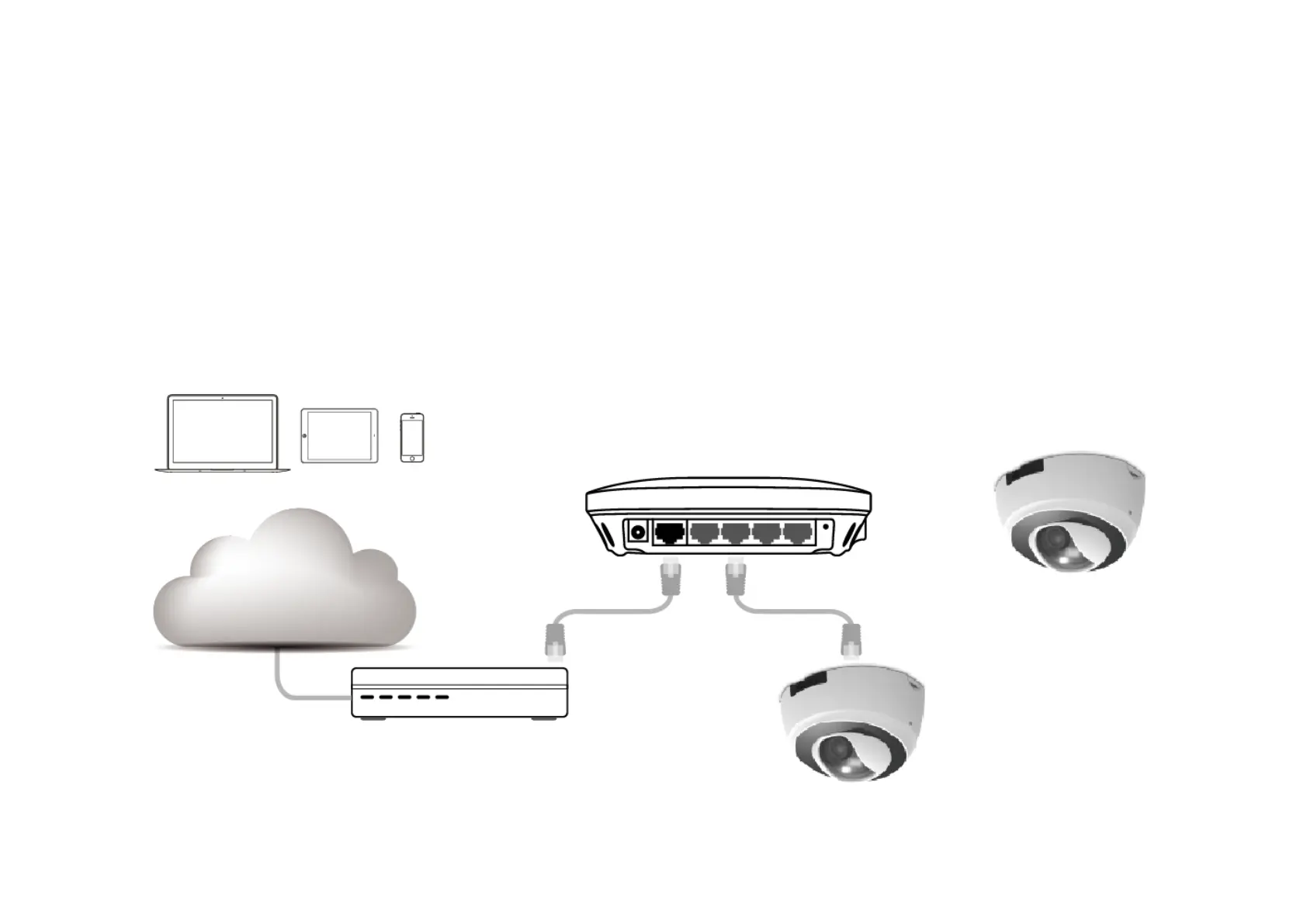
2.3. IP Camera Connection
Before setting up the camera with your router, please ensure the Internet is ready. When camera is configured with the router with Internet
connection, you can then access the camera through the Internet anytime anywhere. This section will guide you through the connection setup.
Please follow the following guide step by step to setup the connection between your camera and the router. There are two ways to establish
connection between the camera and router: Wired (Ethernet) and Wireless (Wi-Fi).



 To Next Page