33
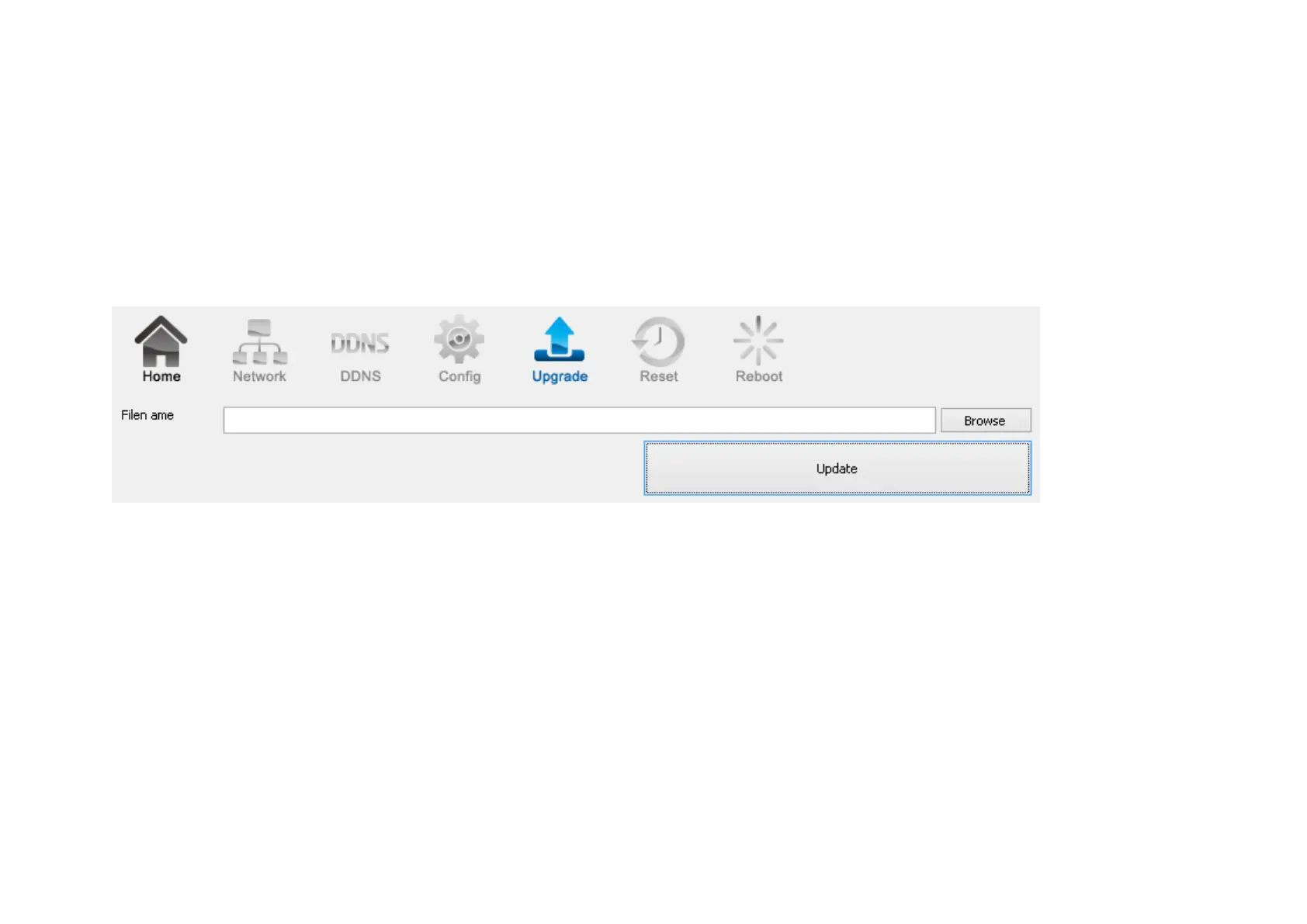
3.1.1.3. EnViewer Finder: Upgrade
EnViewer Finder also allows you to upgrade your camera firmware. The product feature may improve over time, you may check EnGenius
official web site for the latest firmware. New firmware may contain bug fixes or feature improvement; please download the latest firmware file
to your local computer first before proceeding further:
Click Browse and select the firmware file you downloaded.
Click Update to proceed with upgrade process.
It may take a moment for the upgrade process; please wait patiently.
WARNING: Do not turn off the device in the middle of upgrade process. Terminating the device during the process will damage the device and
may cause the device to fail.



 To Next Page