2. Installation
2.1. Network + System Requirements
To begin using the ESR6670, make sure you meet the following as minimum requirements:
PC/Notebook.
Operating System – Microsoft Windows 98SE/ME/XP/2000/VISTA
1 Free Ethernet port.
WiFi card/USB dongle (802.11b/g/n) – optional.
Internet
o 3G data card or
o ADSL or Cable modem with an Ethernet port (RJ-45).
PC with a Web-Browser (Internet Explorer, Safari, Firefox, Opera etc.)
Few Ethernet compatible CAT5 cables.
2.2. ESR6670 Placement
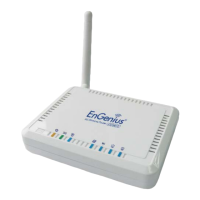
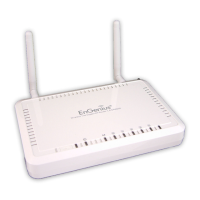
You can place ESR6670 on a desk or other flat surface, or you can mount it on a wall. For
optimal performance, place your Wireless Router in the center of your office (or your home)
in a location that is away from any potential source of interference, such as a metal wall or
microwave oven. This location must be close to a power connection and your ADSL/Cable
modem. If the antennas are not positioned correctly, performance loss can occur.



 To Next Page