To
return
to
normal operation
‘Press
and
release’
the
Green
[POWER]
button
again.
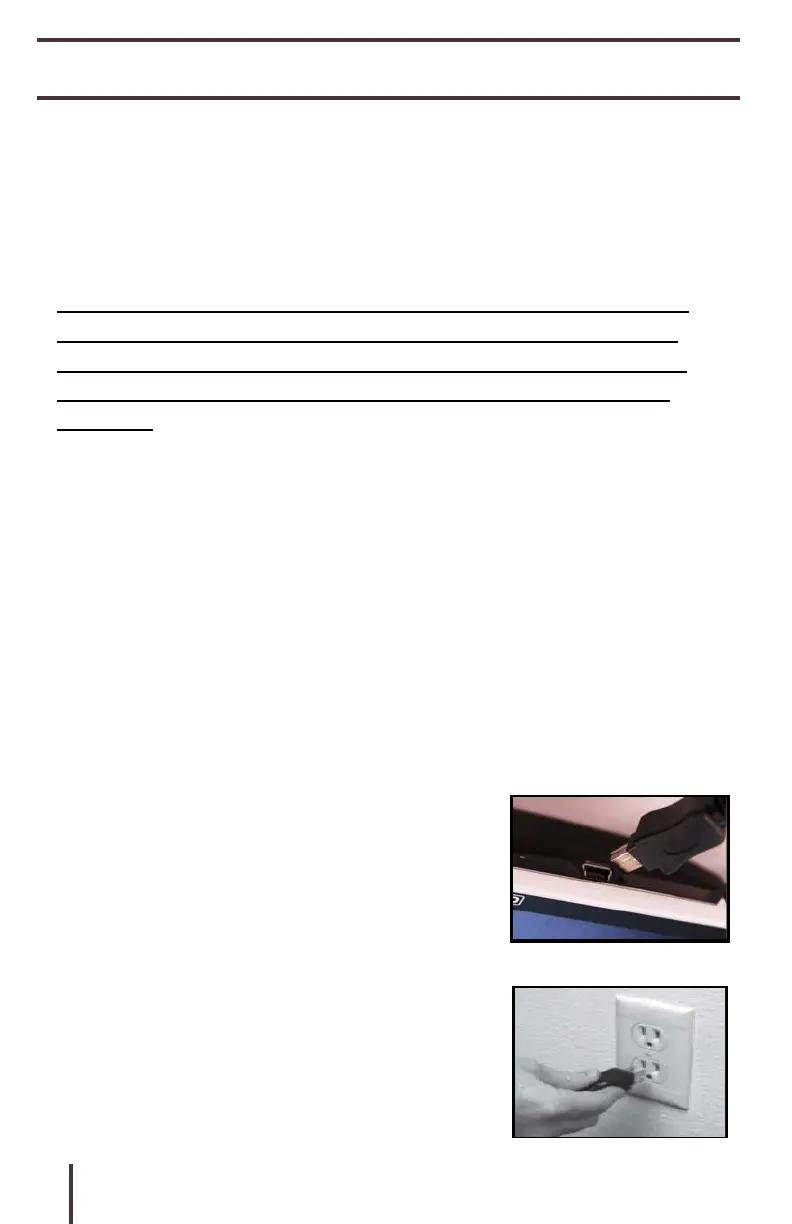
Connecting the AC adaptor/power supply
Use the following procedure to connect the Pebble HD
to the AC adaptor/power supply:
1) Connect the tip of the included
AC Adaptor/power supply to the Mini-
USB connector port. (See Figure 1)
2) Plug in the remaining end of the AC
Adaptor/power supply to an available AC
wall outlet or USB port on your PC.
(See Figure 2)



 To Next Page