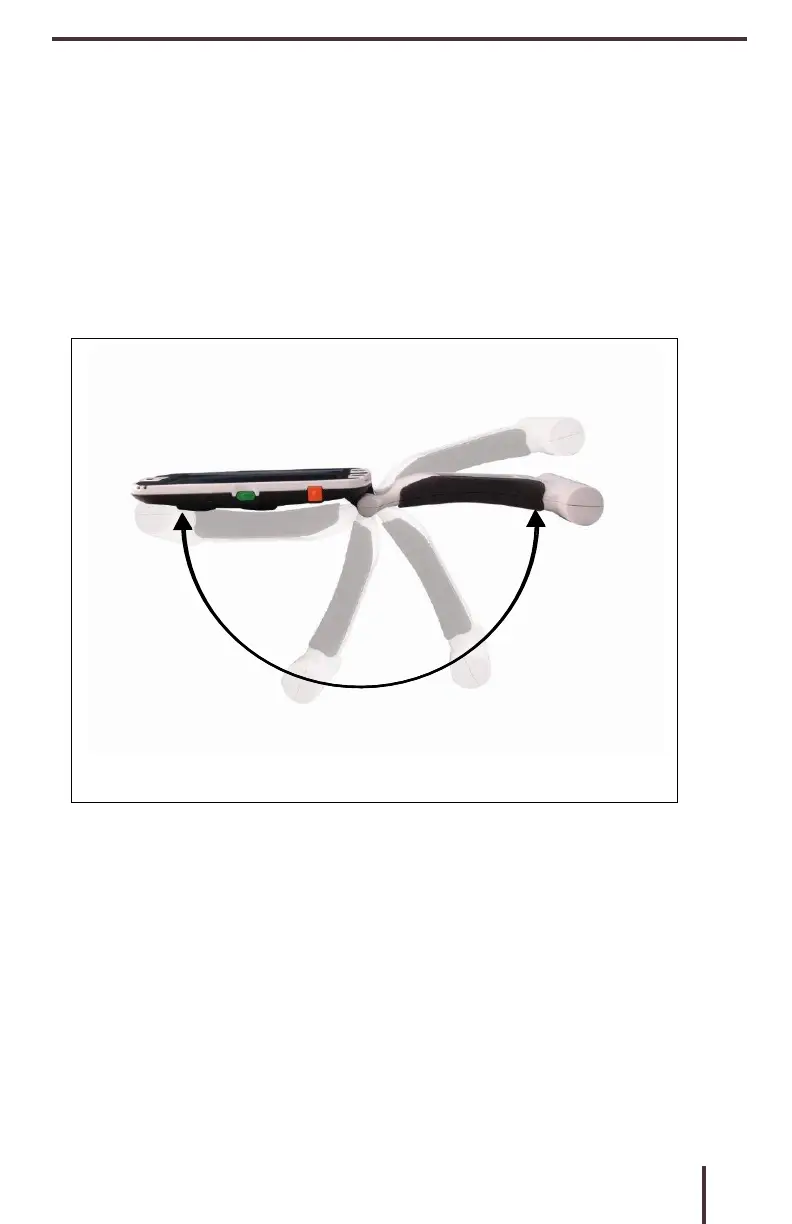
Adjusting the Handle
The Pebble HD features a unique adjustable handle,
which can rotate, allowing you to easily magnify a
wide variety of objects in various positions. Refer to
the illustration below for more information on how
the handle can be positioned according to your
needs.
Please refer to the next two pages for more
information on how to adjust the handle of
your Pebble HD and specific applications
for
use.



 To Next Page