10
Method C for Envoy S – Manual Configuration for Internet Connection
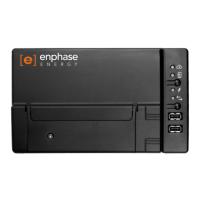
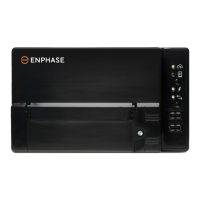
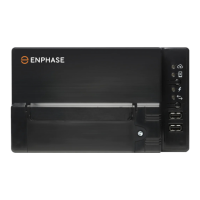
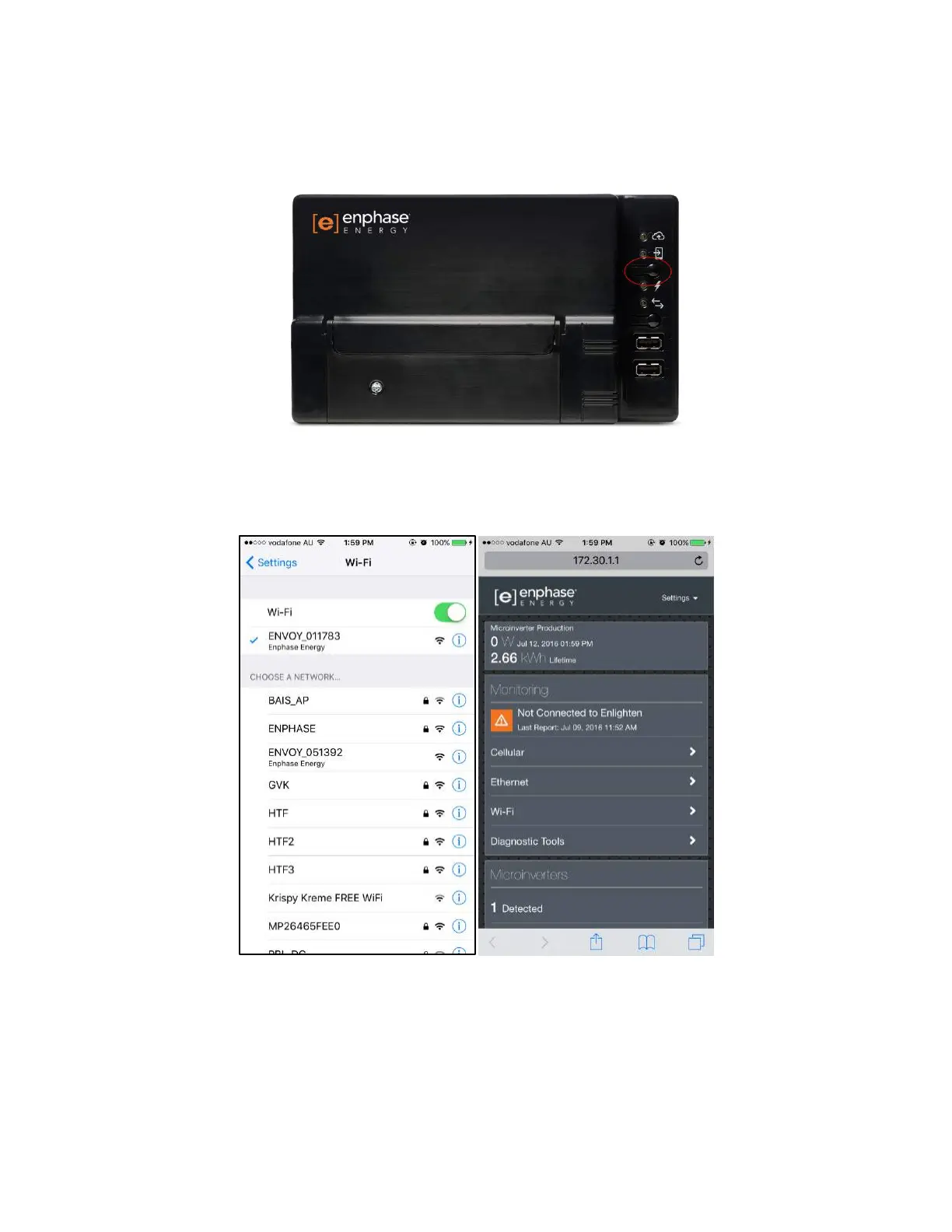
1) Press the top button on the Envoy S (underneath the phone icon, above the lightning bolt icon).
2) On a smartphone/laptop/computer, connect to the Envoy’s Wi-Fi network (ENVOY_xxxxxx where
“xxxxxx” represents the last 6 digits of the Envoy serial number).
3) Open up any web browser application, type into the address bar “172.30.1.1” and press enter.
4) Once the Enphase Envoy page appears, click on "Wi-Fi".


 To Next Page
 Loading...