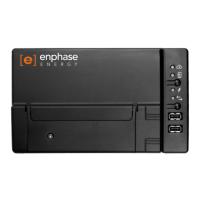
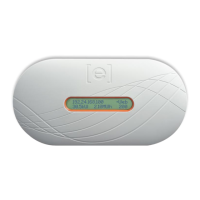
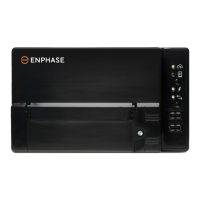
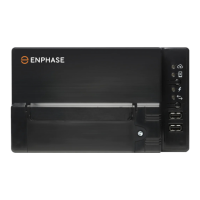
9
Method B for Envoy R – Manual Configuration for Internet Connection
NOTE – An internet connection on your laptop/computer is not required
1) Ensure the Wi-Fi adapter is inserted into a USB port on the Envoy.
2) Connect a laptop/computer to the Envoy using an ethernet cable.
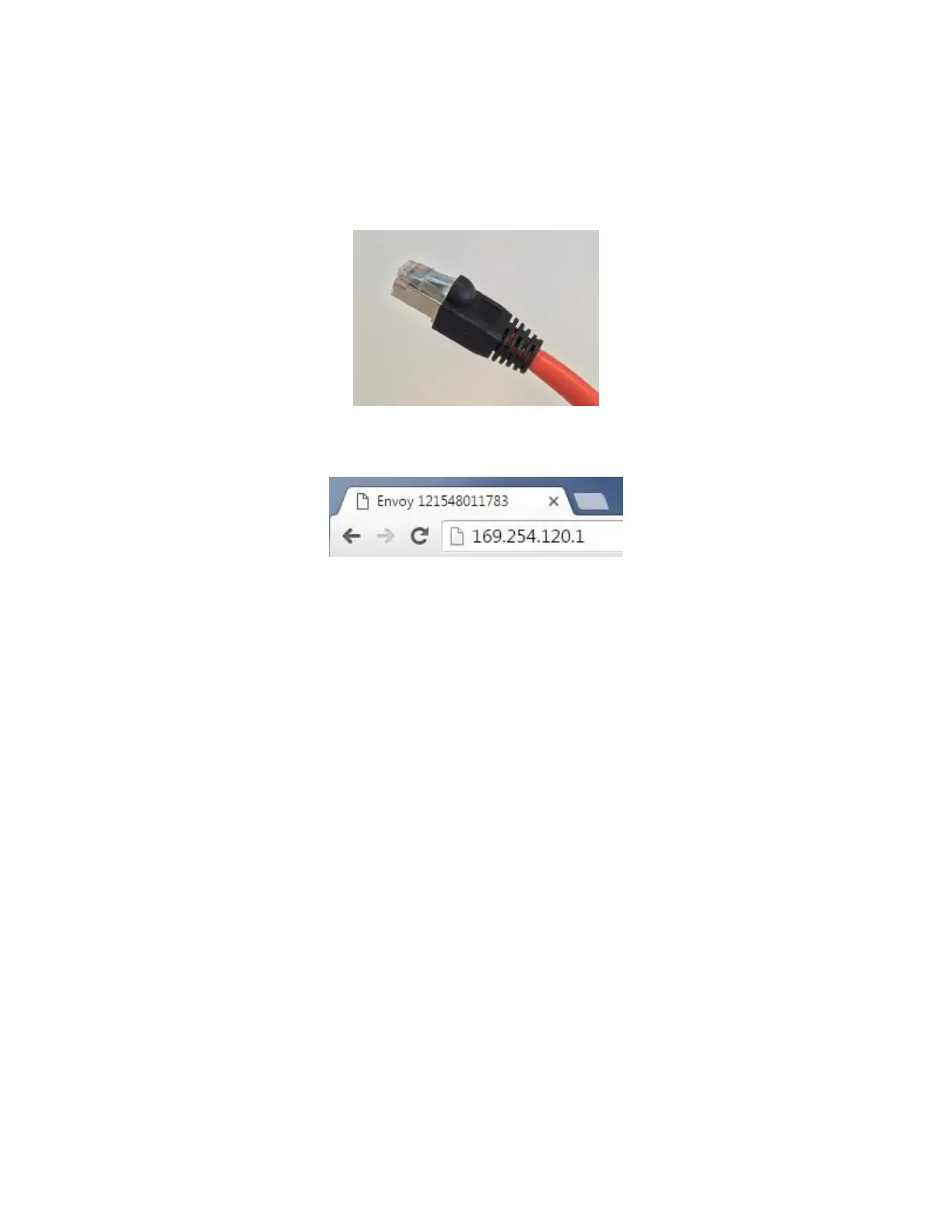
3) Open a web browser (eg. Google Chrome, Mozilla Firefox, Internet Explorer) and type the address
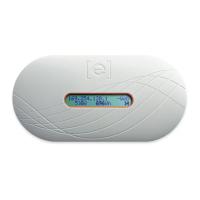
"169.254.120.1" into the address bar (you should see this IP address on the display of your Envoy).
4) Go to step 4 in “Method A for Envoy R – Manual Configuration for Internet Connection”.


 To Next Page
 Loading...