STEP 3
Setting Programmable Positions and Pairing Remote
SETTING PROGRAMMABLE POSITIONS
To adjust the saved posion, repeat steps 1 and 2 and the new posion will be saved.
STEP 1
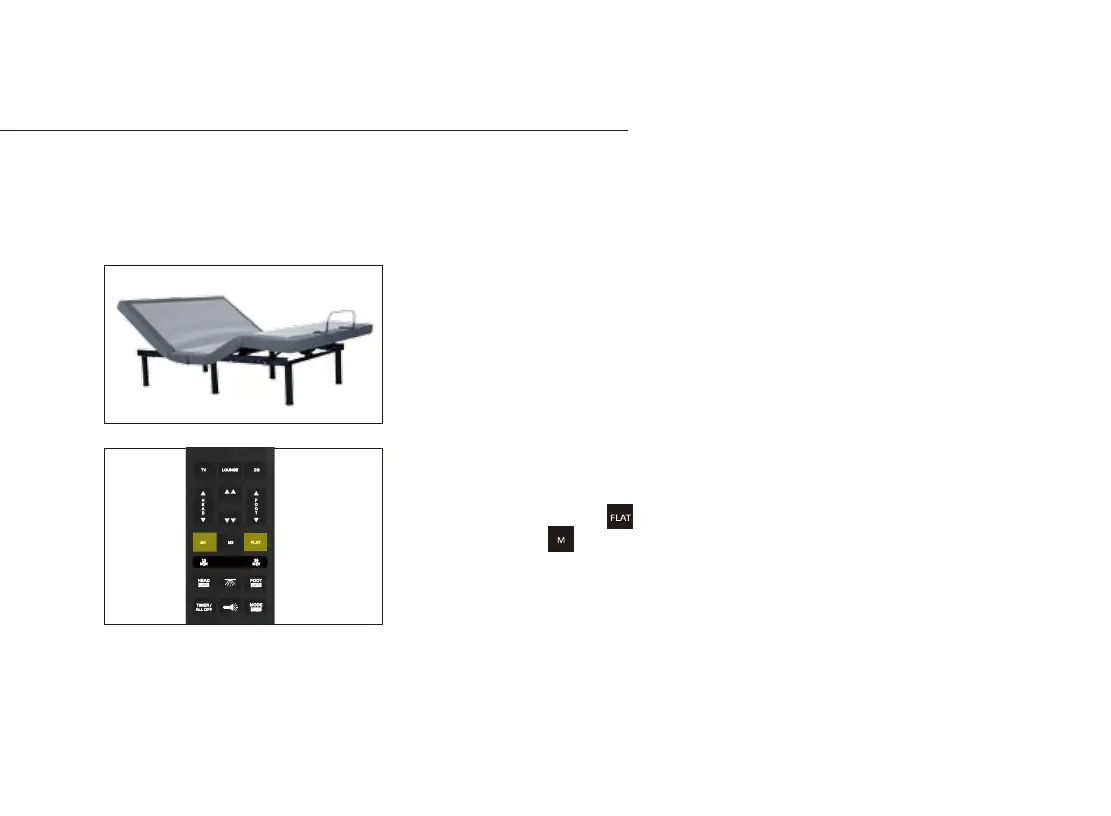
Adjust the head and foot to your desired posion.
STEP 2
Press and hold the flat buon first, then press and
hold memory buon for 5 seconds unl you hear 2
beeps sound.
The wireless power bed has a programmable feature that allows you to save custom posions.
Please read all the instrucons below before seng your custom presets on the remote.
13-23
10
MIN
20
MIN


 To Next Page