PAIRING REMOTE
STEP 1
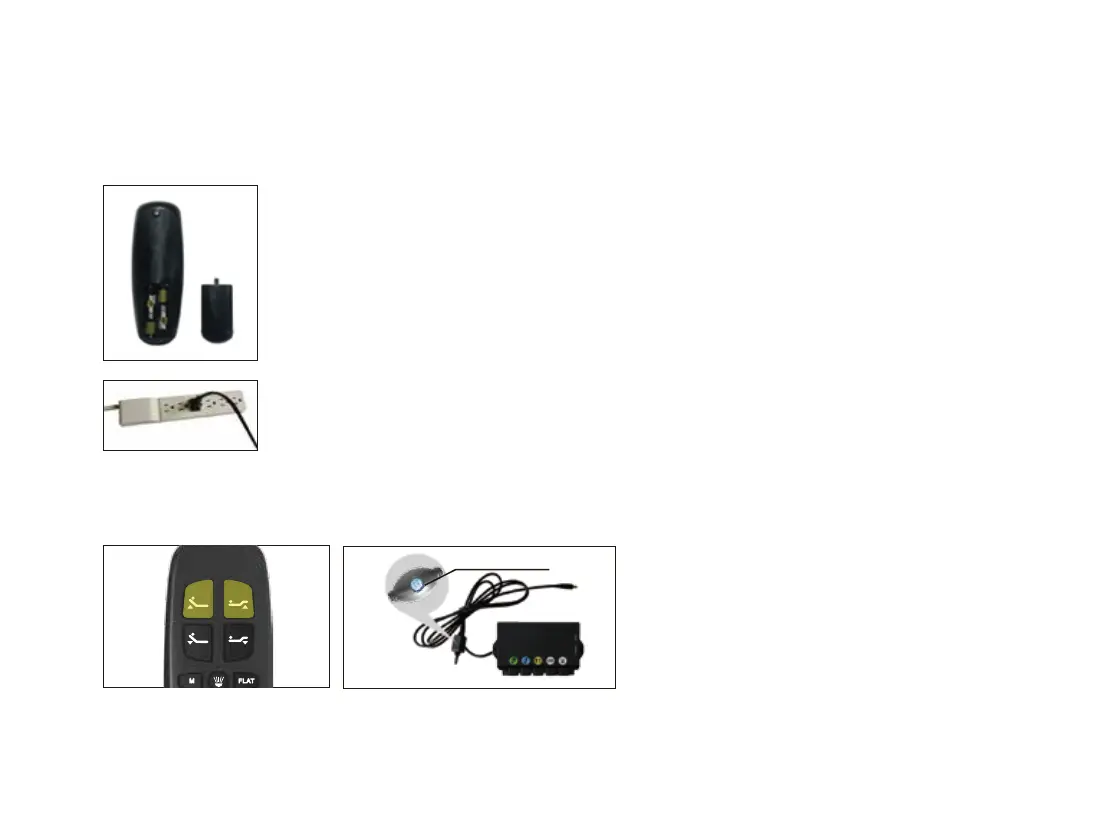
Make sure the baeries work fine. Replace them when needed.
STEP 2
Plug the power cord to the power source.
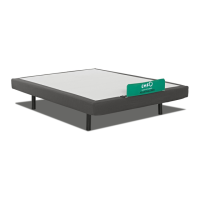
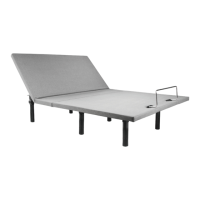
The original remote that comes in the box is already paired to the foundaon. No further acon is required.
In the event that the remote is not paired with the foundaon, follow the steps below.
STEP 3
Press and hold head li and foot li simultaneously, then press and hold the buon on the cord of control
box for 3 seconds unl your hear 2 beeps sound, the remote is then paired.
Pairing Button
14-22


 To Next Page