EasyManua.ls Logo

ENSONIQ SQ-R - Page 4

ENSONIQ SQ-R
133 pages
To Next Page IconTo Next Page
To Previous Page IconTo Previous Page
Loading...
Table
of
Contents
SQ-R
Musician's
Manual
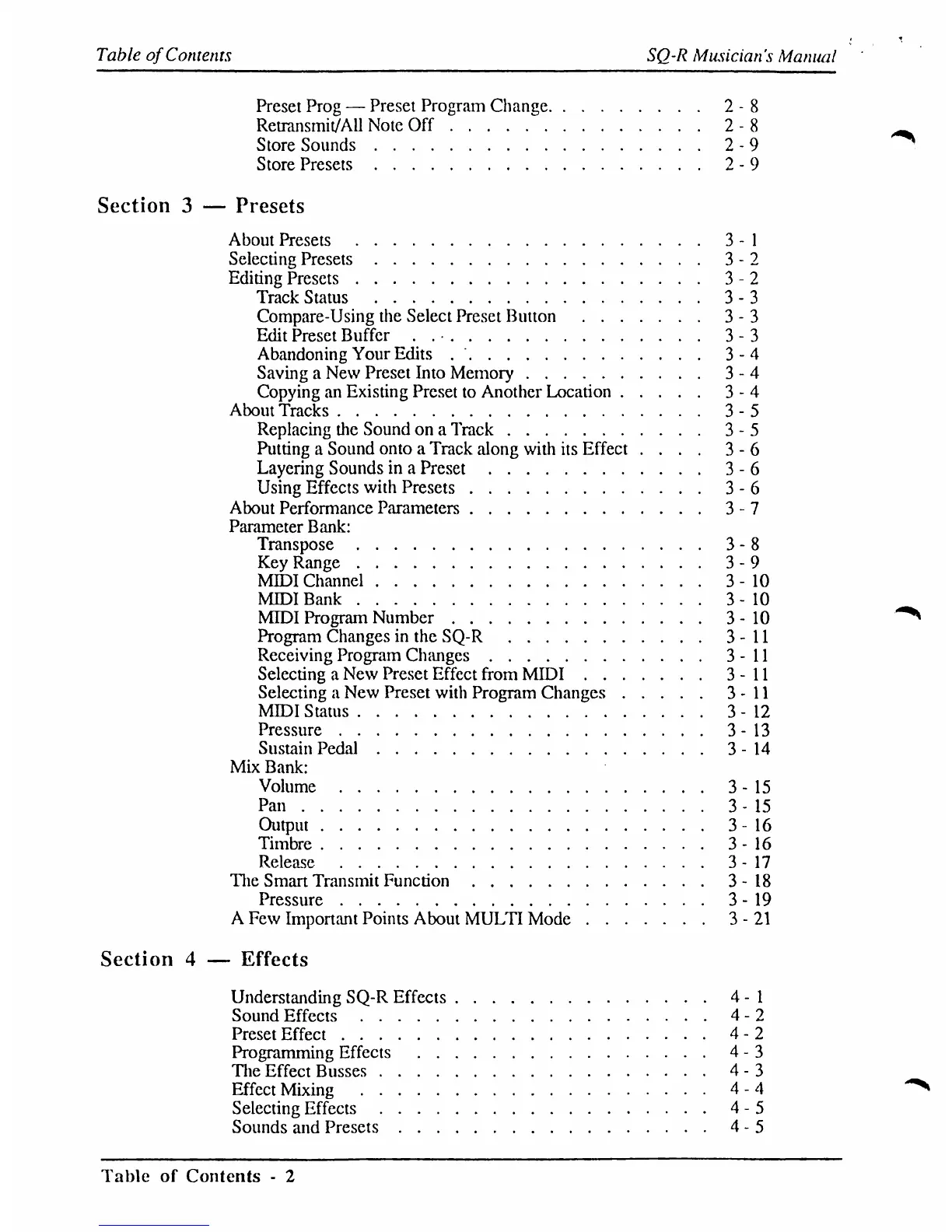
Preset
Prog
Preset
Program
Change
2-8
Retransmit/Ail
Note
Off
2-8
Store
Sounds
2-9
Store
Presets
2-9
Section
3
Presets
About
Presets
3-1
Selecting
Presets
3-2
Editing
Presets
3-2
Track
Status
3-3
Compare-Using
the
Select Preset
Button
3-3
Edit
Preset
Buffer
.
.
3-3
Abandoning
Your
Edits
3-4
Saving
a
New
Preset
Into
Memory
3-4
Copying
an
Existing
Preset
to
Another
Location
3-4
About
Tracks
3-5
Replacing
the
Sound
on
a
Track
3-5
Putting
a
Sound
onto a
Track
along
with
its
Effect
....
3-6
Layering
Sounds
in
a
Preset
3-6
Using
Effects
with
Presets
3-6
About
Performance
Parameters
3-7
Parameter
Bank:
Transpose
3-8
Key
Range
3-9
MIDI
Channel
3-10
MIDI
Bank
3-10
MIDI
Program
Number
3-10
Program
Changes
in
the
SQ-R
3-11
Receiving
Program
Changes
3-11
Selecting
a
New
Preset
Effect
from
MIDI
3-11
Selecting
a
New
Preset
with
Program
Changes
3-11
MIDI
Status
3-12
Pressure
3-13
Sustain
Pedal
3-14
Mix
Bank:
Volume
3-15
Pan
3-15
Output
3-16
Timbre
3-16
Release
3-17
The
Smart
Transmit
Function
3-18
Pressure
3-19
A
Few
Important
Points
About
MULTI
Mode
3-21
Section
4
Effects
Understanding
SQ-R
Effects
4-1
Sound
Effects
4-2
Preset
Effect
4-2
Programming
Effects
4-3
The
Effect
Busses
4-3
Effect
Mixing
4-4
Selecting
Effects
4-5
Sounds
and
Presets
4-5
Table
of
Contents
-
2

Table of Contents

Related product manuals