3
THE ESC PARAMETERS ADJUSTMENT AND SWAVE programming App
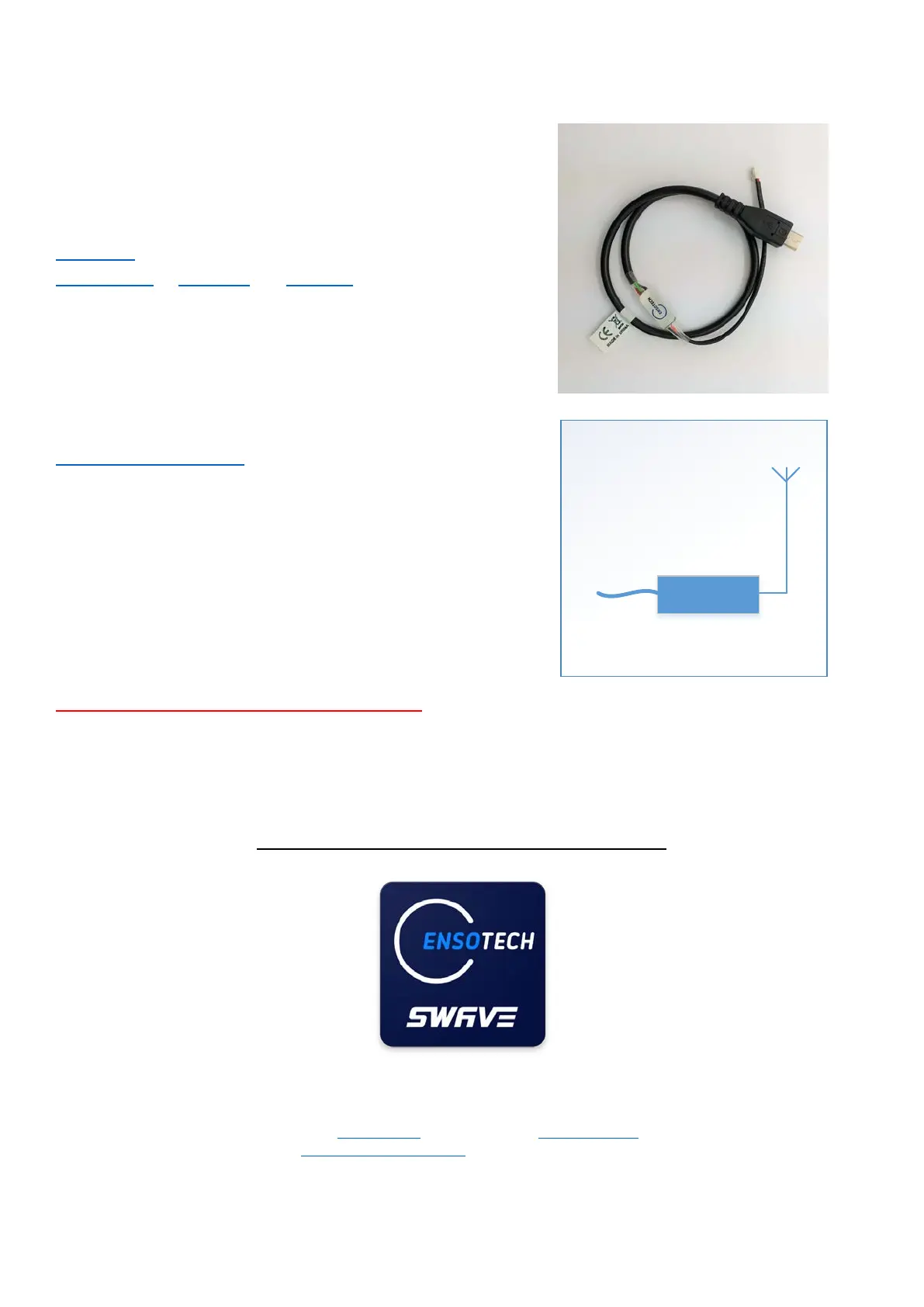
Cables for changing the ESC settings and updating software
UARTLINK
for Swave E (Optional)
UARTLINK-II for Swave E2 and Swave W (Optional)
ENSO BLUETH (Optional)
– wireless device with BLE*
BLE – Bluetooth Low Energy is supported only with phones
that have an android upper 4.3 version and support Bluetooth
Not only has the same function as UARTLINK-II cable but it is wireless
to change the esc setting without taking the car away from the track. It
also provide telemetry reading of motor rpm, battery voltage, esc
temperature, throttle movement during the car running on track.
If you are uncertain about your phone, please check with your phone
manufacturer, Ensotech cannot guarantee to support every kind of
phones.
** ENSO BLUETH Doesn’t support Swave-E
** We are still trying to work out this Bluetooth for IOS system, please be patient **
Always switch off the ESC before connect and disconnect programming devices.
Important notice to IOS and Android Users
1) UARTLINK-II either ENSO BLUETH both support to change the ESC parameters from Android. We are still
trying to develop for IOS.
2) For Android user, you can download Swave ESC application from Google Play™
free of charge or download the
installation apk file from Swave webstore software page to install manually. If you decide to install the apk file
manually, please make sure to un-install / remove the previous version before process to install the new version.
3) For IOS user, you can only download Swave ESC application from App Store (not available yet, we are still
working on it)


 To Next Page