EasyManua.ls Logo

Entel HT952 - User Manual

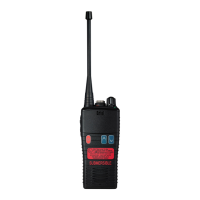
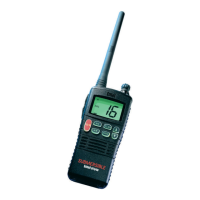
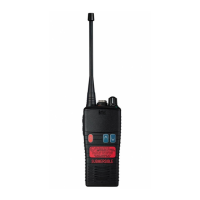
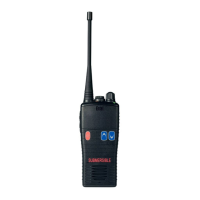
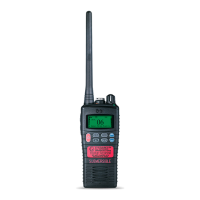
Entel HT952
29 pages
Print Icon
To Next Page IconTo Next Page
Loading...
HT952
Entry
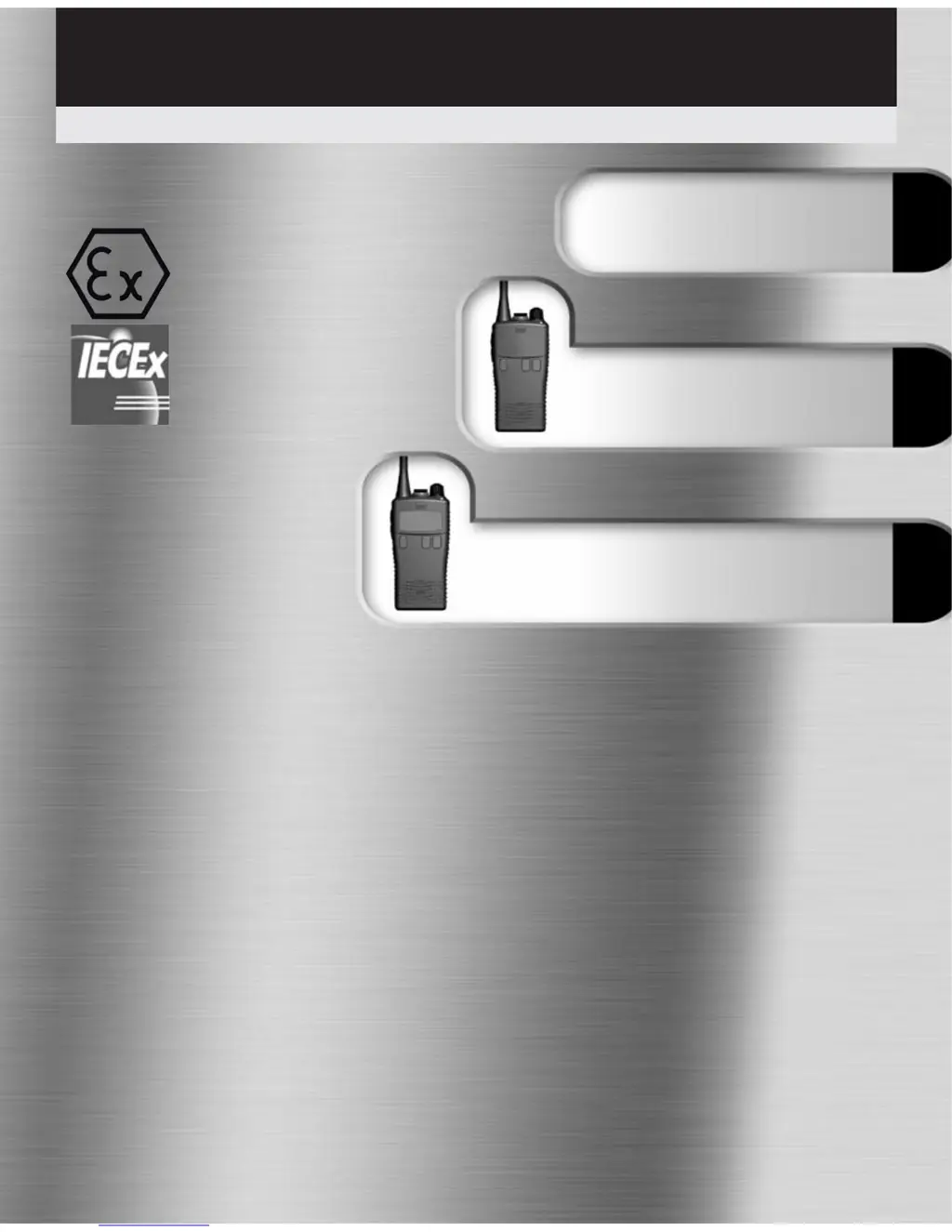
User Guide – HT950 Series
v10/10
Common Information
(all models)
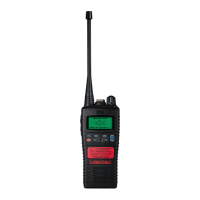
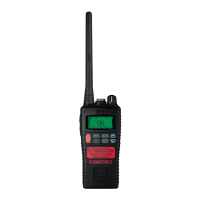
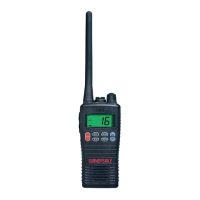
HT953
LCD
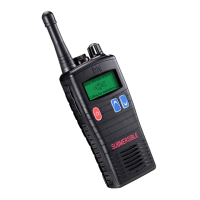
Professional submersible PMR446 handheld transceivers
II 2 G Ex ib IIC T4
ATEX approved Intrinsically Safe
Ex ib IIC T4

Questions and Answers

  • M
    Matthew MillerAug 16, 2025
    How to fix an Entel HT952 Transceiver that won't power on?
    • J
      jacobrobinsonAug 16, 2025
      If your Entel Transceiver isn't powering on, the battery may need charging. Recharge the battery pack. Alternatively, the battery may be exhausted, so replace the battery pack.
  • M
    Melanie MarshallAug 19, 2025
    Why won't my Entel HT952 talk to other radios?
    • T
      Tyler ForbesAug 19, 2025
      If your Entel Transceiver is unable to communicate with other radios, it might be because the radios are on a different channel or using a different tone code. To resolve this, check that all radios in the same group are using the same channel and tone.
  • C
    Crystal FloresAug 22, 2025
    What to do if I'm hearing other people's conversations on my Entel Transceiver?
    • A
      Amanda AtkinsonAug 22, 2025
      If you are hearing other people's conversations on your Entel Transceiver, it is likely because you are using the same channel and tone as other users. To fix this, select a different channel and tone.
  • V
    velasquezamandaAug 26, 2025
    How to unlock the control buttons on an Entel HT952 Transceiver?
    • J
      Jeffrey CabreraAug 26, 2025
      If the control buttons on your Entel Transceiver are not functioning, it's possible that the button lock is activated. Turn the button lock off to restore functionality.
  • T
    traviscarrAug 28, 2025
    Why is my Entel HT952 Transceiver transmitting without pressing the PTT button?
    • W
      wstoneAug 28, 2025
      If your Entel Transceiver is transmitting without you pressing the PTT button, the VOX (Voice Operated Transmit) feature may have been enabled. To stop this, press the assigned VOX button to switch VOX off.
  • L
    Laurie HardingAug 31, 2025
    Why is my accessory not working with my Entel HT952?
    • C
      Colleen RobinsonAug 31, 2025
      If an accessory is not working with your Entel Transceiver, consider these possibilities: 1. The accessory plug may not be correctly seated in the accessory socket. Check the connection to the accessory socket. 2. The accessory may be incompatible. Replace it with a genuine Entel accessory.
  • J
    Jodi GarciaSep 3, 2025
    What causes unintelligible audio on an Entel HT952?
    • B
      bernardstevensSep 3, 2025
      If you are receiving or transmitting an unintelligible audio signal on your Entel Transceiver, the voice scrambler may be in the wrong mode compared to other radios. Ensure the scrambler is either enabled or disabled to be compatible with the other radios.
  • N
    Nicholas VelazquezSep 6, 2025
    Why does my Entel HT952 Transceiver emit a constant tone when switched on?
    • F
      frank47Sep 6, 2025
      If your Entel Transceiver emits a constant tone when switched on, it may be due to an incompatible battery being fitted. Replace it with a genuine Entel battery.
  • N
    Natasha SnyderSep 9, 2025
    What does it mean when my Entel HT952 Transceiver emits 5 short beep tones when switched on?
    • O
      orussellSep 9, 2025
      If your Entel Transceiver emits 5 short beep tones when switched on, it indicates that the battery has used almost all of its recommended charge cycles. Prepare to replace the battery.
  • M
    Michele OlsonSep 12, 2025
    What does it mean when my Entel HT952 Transceiver emits 5 long beep tones when switched on?
    • J
      John HuangSep 12, 2025
      If your Entel Transceiver emits 5 long beep tones when switched on, it means that the battery has used all of its recommended charge cycles. Replace the battery.

Summary

Certification and Compliance

Declaration of Conformity

States adherence to relevant standards and directives for the product range.

ATEX;IECEX Certificates and Notified Bodies

Lists related certificates, notified body numbers, and quality assurance notifications.

Radio Care and Maintenance

Operational Advice and Safety

Provides advice, warnings, and cautions for safe radio operation.

Cleaning and Disposal Guidelines

Instructions for cleaning the radio and disposing of it responsibly.

Battery Care and Information

Handling and Usage Precautions

Covers general advice, warnings, and precautions for battery usage and maintenance.

Storage and Lifespan Management

Details battery storage, charge cycles, and communication features.

Packing List

Included Items

Lists the items that come standard with the HT95X radio.

Optional Accessories

Battery and Charger Options

Lists available battery packs and chargers for the radio.

Carry and Audio Accessories

Details cases, clips, microphones, earpieces, and headsets.

Preparing Your Radio For Use

Physical Attachments

Instructions for attaching battery packs and belt clips to the radio.

Accessory and Charging Setup

Guides on connecting audio accessories and the process of charging the radio.

Using Your Radio

Core Operations

Covers powering on, making calls, and transmission management.

Advanced Features

Details features like voice scrambling, channel scanning, CTCSS/DCS, and VOX.

HT952 Standard Features

Key Specifications and Durability

Outlines channel capacity, power, IP rating, design, battery, and power saving.

Alerts and Indicators

Describes low battery warnings and indicator behaviors.

HT952 Dealer Programmable Features

Customizable Functions

Lists features configurable by a dealer, including VOX, scanning, panic, and key lock.

HT952 Controls & Indicators

Key Controls Identification

Identifies and describes the primary controls like power, volume, and channel selection.

Buttons and LED Indicator Meanings

Explains the Push-to-Talk, programmable buttons, and LED indicator functions.

Programming Your HT952 Radio

Entering User Programming Mode

Instructions to access the radio's user programming mode.

Check; Modify Frequency

Viewing Current Frequency Settings

Method to check the frequency programmed for the current channel.

Updating Channel Frequency

Steps to change and save a new frequency for a radio channel.

Check; Modify CTCSS;DCS Tone

Tone Configuration Procedures

Covers checking and changing CTCSS/DCS tones, including DCS specific notes.

Radio Cloning HT952

Cloning Procedure Setup

Explains how to connect and prepare radios for cloning.

Master and Slave Radio Roles

Details the steps for both the sending (master) and receiving (slave) radios.

Data Transfer Process

Describes how data is transferred and how to return radios to normal operation.

Frequency Table

Channel Frequency Reference

Lists default frequencies and beep codes for each channel.

CTCSS (PL) Tone Table

CTCSS Tone Values and Beep Codes

A reference table for CTCSS tone frequencies and their corresponding beep codes.

DCS (DPL) Tone Table

DCS Tone Values and Beep Codes

A reference table for DCS tone values and their associated beep codes.

HT953 Standard Features

Enhanced Display and Channel Management

Details the LCD display, extensive channel positions, and scan group capabilities.

Battery Status and Indication

Covers low battery indication and battery count display at switch-on.

HT953 Controls & Indicators

Key Controls Identification

Identifies and describes the primary controls for the HT953 model.

Buttons and LED Indicator Meanings

Explains the Push-to-Talk, programmable buttons, and LED indicator functions.

HT953 LCD Indicators

Icon Meanings for Display Features

Explains the icons related to Key Bleeps, Lock, Bluetooth, VOX, Scramble, Battery, and Receive Strength.

Programming Your HT953 Radio

Entering User Programming Mode

Instructions to access the radio's user programming mode.

Check; Modify Frequency and Tone

Viewing Current Settings

Method to check the selected channel, tone, and frequency.

Updating Channel Frequency and Tone

Steps to change and save new frequency and tone settings.

User Programmable Key Lock

Key Lock Status and Configuration

Covers checking status, enabling/disabling, and assigning the key lock feature.

Key Lock Usage and Troubleshooting

Explains how to use the key lock and common troubleshooting steps.

Radio Cloning HT953

Cloning Procedure Setup

Steps to prepare radios for cloning and enter programming mode.

Data Transfer Process

Details initiating data transfer from master to slave and error handling.

Default Channel Configuration

Default Frequencies and Tones

Provides tables of default channel settings for HT95X and HT953 models.

Troubleshooting Guide

Common Issues and Solutions

A guide to diagnose and resolve common radio operational problems.

Certification and Safety Notes

ATEX;IECEX Approvals and Safety Notes

Summarizes ATEX/IECEX certifications and crucial safety precautions for operation.

User Notes

Recording Radio Information

A dedicated space for users to log important details about their radio.

Entel HT952 Specifications

General IconGeneral
Frequency Range400-470 MHz
Channels255
Power Output5W
IP RatingIP68
Battery TypeLi-Ion
Weight277g (with battery & antenna)
Battery2000mAh Li-Ion

Related product manuals