7
Preparing Your Radio For Use cont...
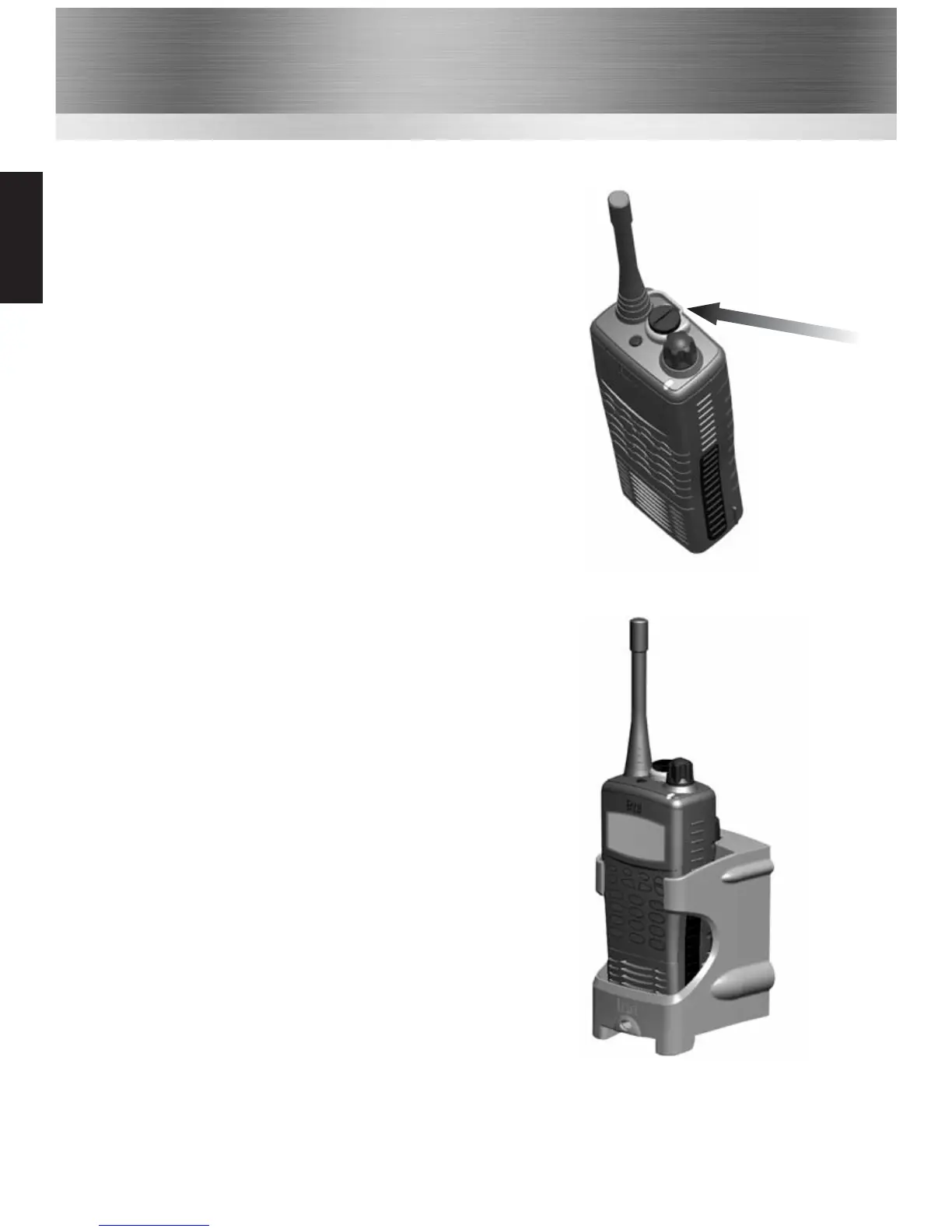
Attaching / Removing Audio Accessories
1
To attach / remove the accessory cover by unscrewing the
locking screw anti-clockwise (leave cover attached or
store in a safe place). Attach accessory plug by locating
over the socket. Carefully tighten the locking screw
clockwise until finger tight (do not tighten with a
screwdriver etc).
2
To remove, unscrew the locking screw by hand in an
anti-clockwise direction (carefully use a coin or
screwdriver if too tight). Ensure you re-fit the accessory
cover so as to protect the socket.
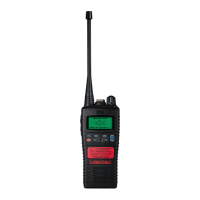
Charging Your Radio
Several charger options are available. Please refer to your
charger user guide.
Common


 To Next Page