Optional Accessories cont...
6
Preparing Your Radio For Use
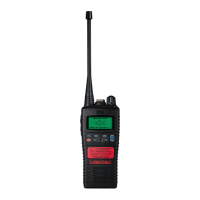
CHP950HD Double earpiece defender headset with boom mic and in line PTT for hard hat & VOX*
CHP950D Double earpiece headband defender headset with boom mic and in line PTT & VOX*
CHP950BT Bluetooth double earpiece headband defender headset with boom mic and ear cup PTT
* VOX = Voice Operated Transmit (hands free operation)
Bluetooth option board in radio is required to use Bluetooth audio accessories.
For complete up to date list of optional
accessories visit www.entel.co.uk
Common
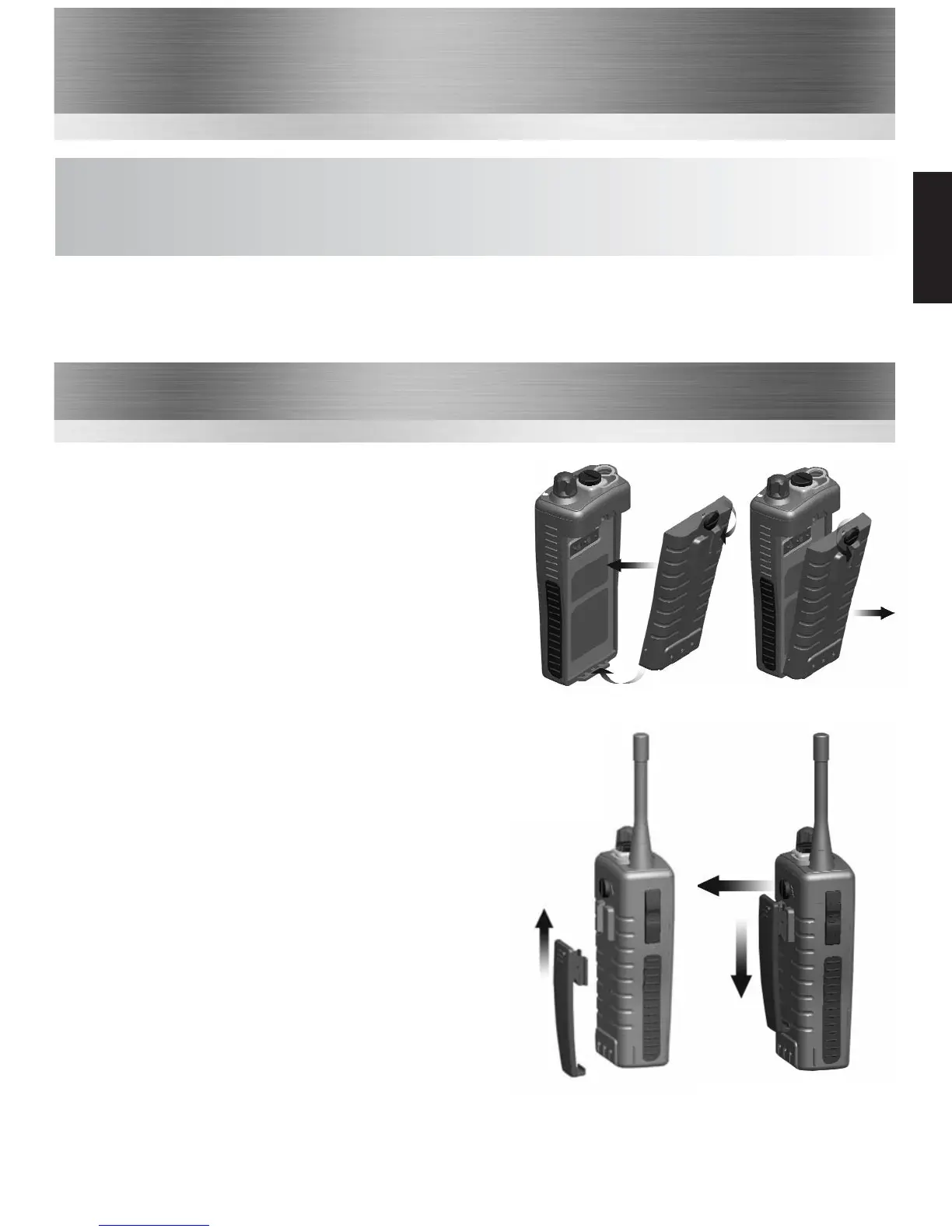
Attaching / Removing the Battery Pack
1 To attach, locate the pegs on the bottom of the
battery and place into the slots on the radio. Then
press the top of the battery against the radio. Secure
battery by tightening the screw clockwise by hand.
(Do not over tighten)
2 To remove, unscrew the locking screw anticlockwise
and pull the battery away from the top of the radio.
1
2
1
2
a
b
Attaching / Removing the Belt Clip
1 To attach, press the clip into the slot on the back
of the battery and slide up until you hear a “click”.
2 To remove, pull the tab (a) towards the belt clip.
Then slide the belt clip downwards (b).


 To Next Page