TNF Concept - 62 rue de Paris - 77240 Champs sur Marne - France
www.tnfconcept.com contact@tnfconcept.com
The main window of the NMU
soware opens and, by clicking the
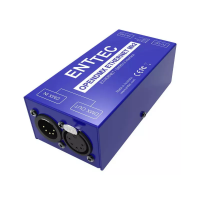
buon "Discovery", the Enec ODE
appears.
To select the ODE and click then the
buon "Congures …"
Choose an IP address which belongs
to the WIFI network of your
installaon. That is an address which
belongs to the same family as the
one that you noted at the beginning
of the conguraon. Aenon not to
take an address already reserved by
another device.
For example, if your network is of the
class : C with an address which begins
with 192.168.1, seize an address
which begins in the same way (the
rst 3 numbers are very important)
but which the last one is not already
used. You can choose unl the value 254.
When it’s done, click "Save Cong".


 To Next Page