3 / GET STARTED
16 / XPS3
Electronic Features
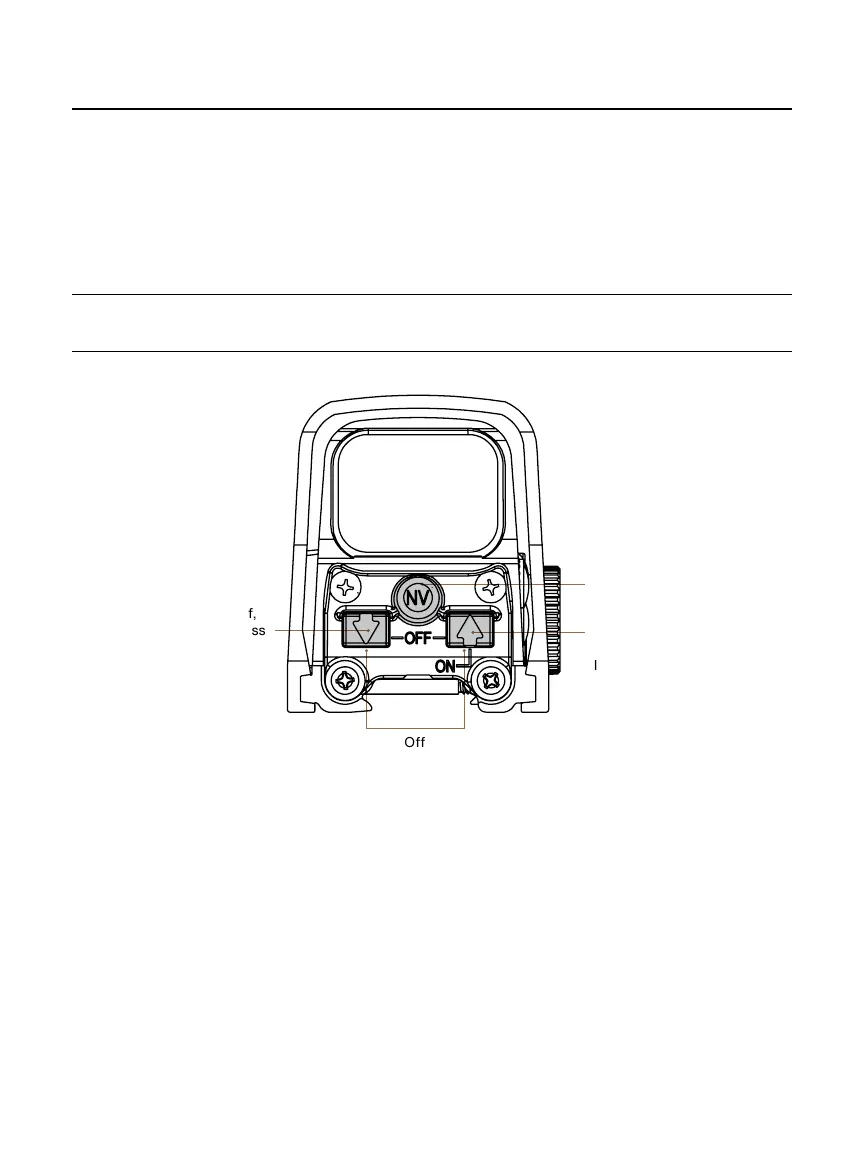
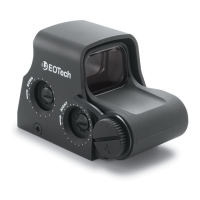
All electronic controls are via push buttons located at the left side of the unit housing
(
FIGURE 3).
PRO TIP: To ensure proper operation of the pushbutton switches, always press firmly on the
center of the switch.
ON / Auto Battery Check >
• Pressing the Up or Down Arrow buttons will turn the sight ON at Level 12.
• The sight will automatically perform a battery check every time it is turned on.
• The reticle will blink when the battery has 20 percent or less useful life left.
OFF >
• To turn the sight off, simultaneously press both the UP and DOWN arrows.
• Verify that the sight is ON/OFF by looking through the window for the reticle.
FIGURE 3
ON,
4 hr. Auto Shut Off,
Decrease Brightness
Off
ON,
8 hr. Auto Shut Off,
Increase Brightness
ON, 8 hr. Auto Shut Off,
NV Mode,
NV Mode Toggle


 To Next Page