4
1.2.1
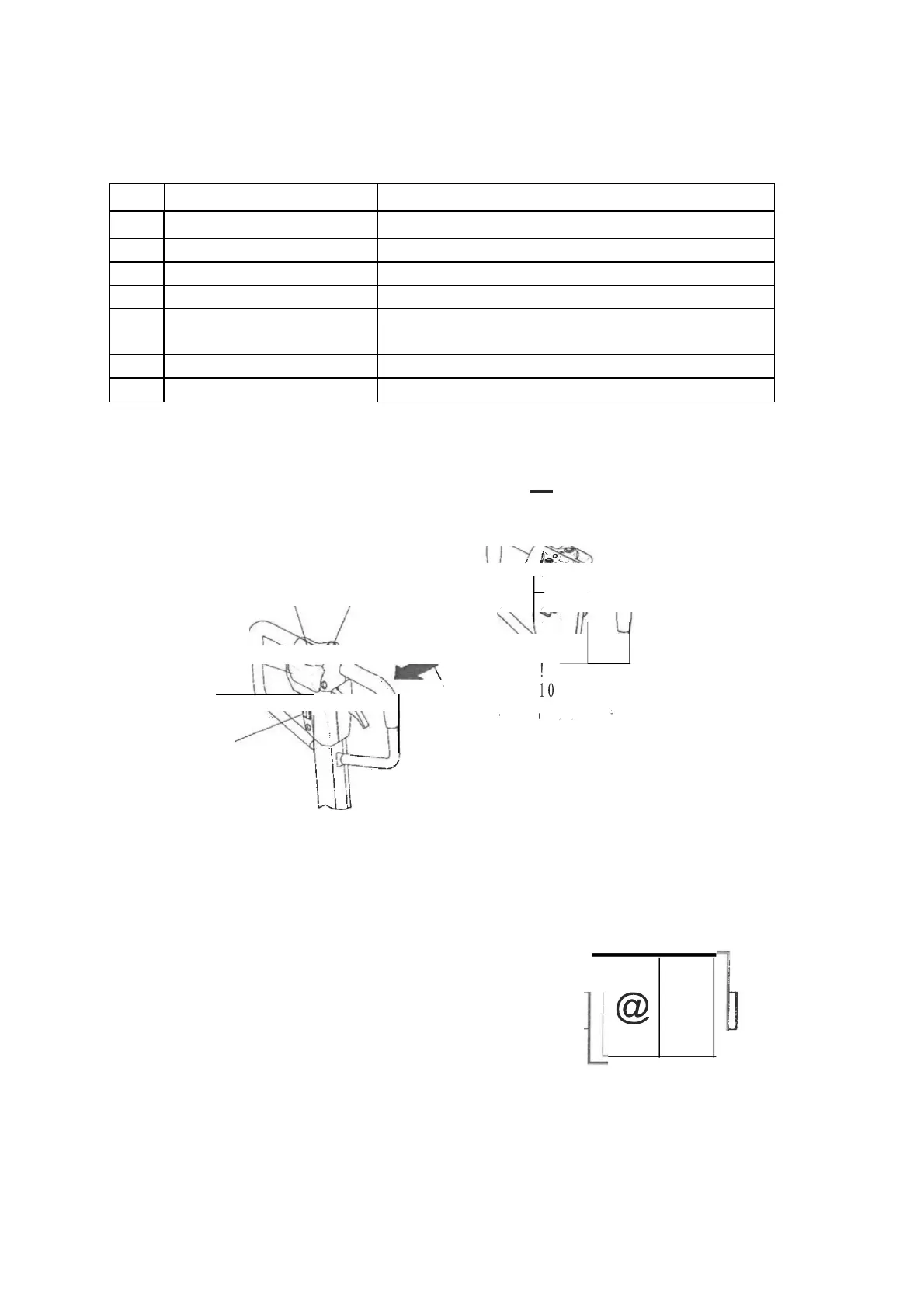
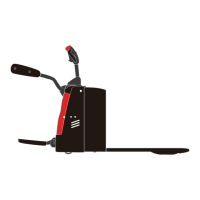
Control Handle
Item
Control / Display
Function
11
Key switch (Option)
Switches control current on and off.
12
Boatlike switch
Switches control current on and off.
13
"Forward" button
Travel forward
14
"backward" button
Travel backward
15
Collision safety switch
Safety function which, when activated, forces the
truck to reverse until the switch restored to neutra!.
16
"Ho rn" button
Triggers a warning signal.
17
Battery discharge indicator
Display battery residual capacity
/
ꞏ
-
,....--
-
,
.
I
I'
\
13
14
l
I
1ij
\
17
. /
15
/
\
I
11
-
,
12
-----.J.
1.2.2
Key switch ( Option )
1.
Boatlike switch
Switches control current on and off.
Truck power supply is break off when the key turn
" O".
Truck power supply is turn on when the key turn" 1 ".
1



 To Next Page