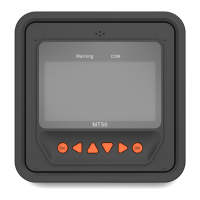
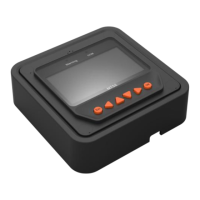
Note: The display screen can be viewed clearly when
the angle between the end-user's horizontal sight and
the display screen is within 90°, and the screen cannot
be viewed clearly when the angle exceeds 90°.
Include four navigation buttons and two operational buttons.
Refer to the 4.1 Buttons
for specific directions.
Connect with the controller; and it is used for
communication and power supply.
Note: Please use the communication plug, marked with "MT," to connect MT52.
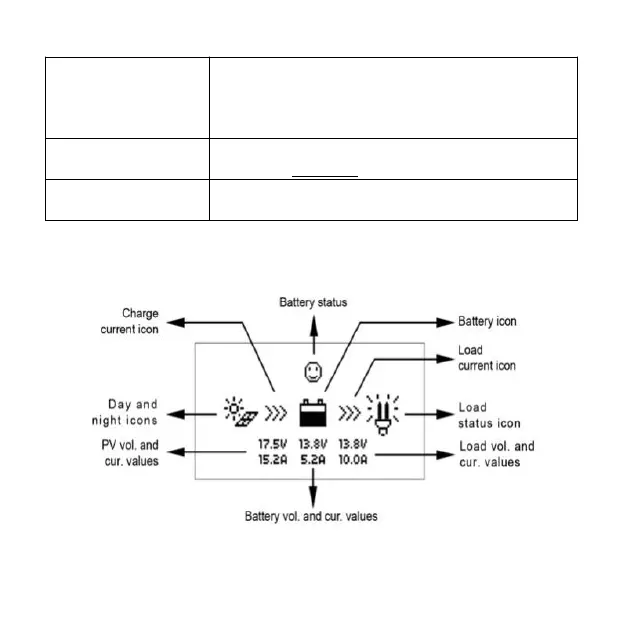
Monitoring screen


 To Next Page