4.8 Device parameter
The solar controller's software version could be checked via the device parameter
page. And device data like device ID, device LCD backlight time, and device clock
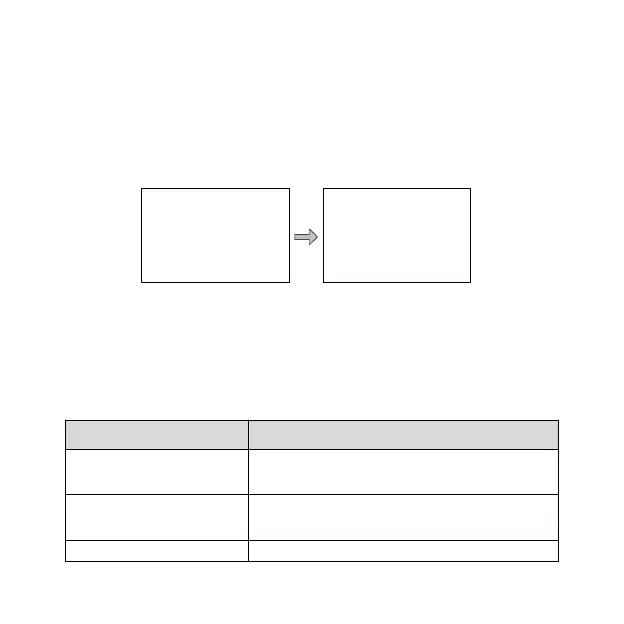
could also be checked and modified. The device parameter page shows in the diagram
Note:
1. The bigger the connection device's ID value, the longer the communication
identification interval will be (the maximum interval<6 minutes).
2. For detailed instructions on device parameters, please refer to the relevant
solar controller manual.
It indicates the Solar controller's software and
hardware version numbers.
It indicates the Solar controller's communication
ID numbers.
It indicates the Solar controller's LCD backlight
Device Parameter
Ver: V01.00+V02.10
ID: 001
Device Parameter
Bklight:60S
Jan-01-2013
00:01:39


 To Next Page