EasyManua.ls Logo

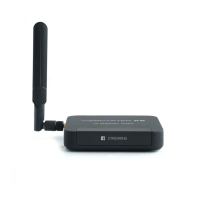
epiphan video Webcaster X2 - Stream to YouTube and Facebook Live; Connect HDMI Camera; Connect Ethernet Cable for Network Access; Connect Power Cable

epiphan video Webcaster X2
8 pages
Print Icon
To Next Page IconTo Next Page
To Previous Page IconTo Previous Page
Loading...
How to use your Webcaster X2 to stream
to YouTube and Facebook Live
1
2
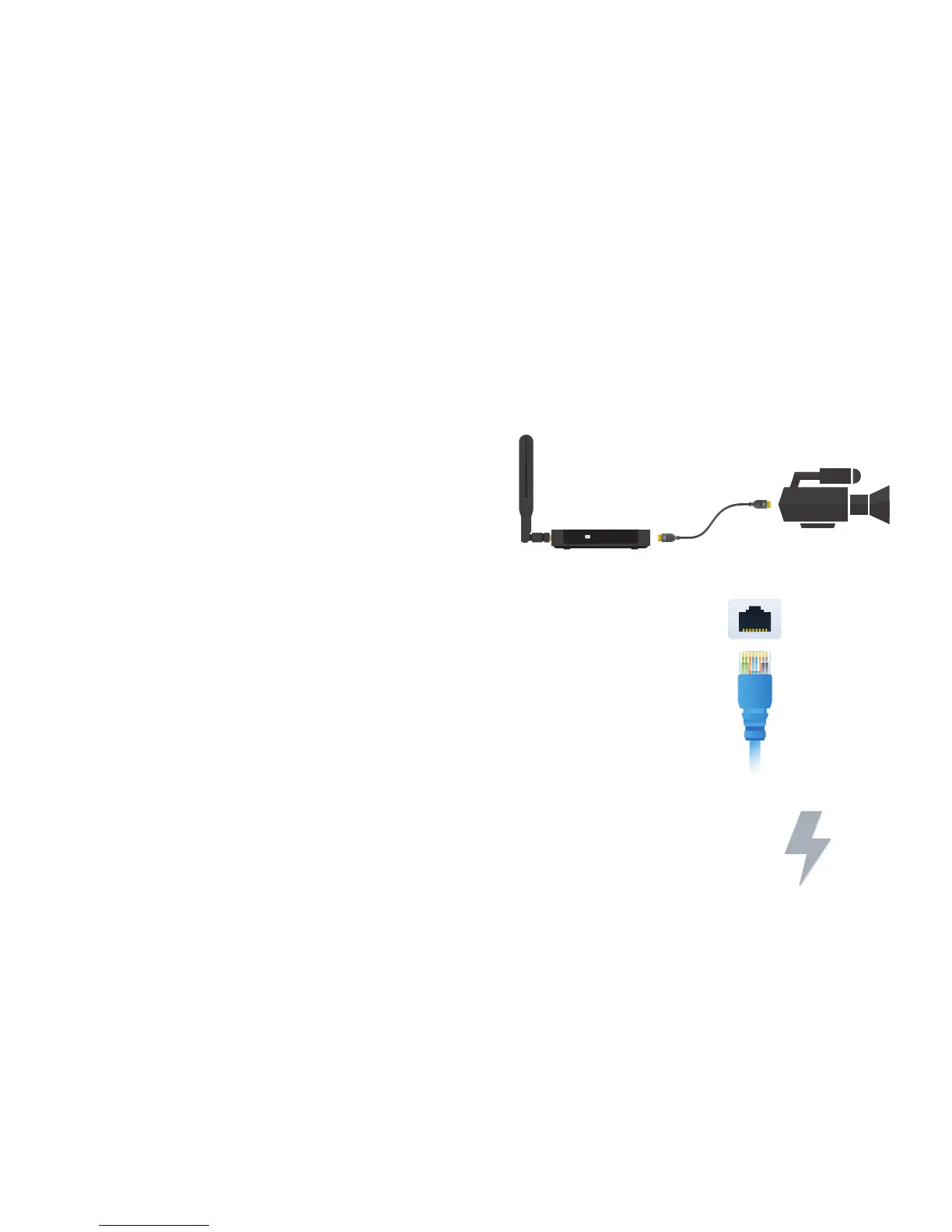
Connect your HDMI™ camera
to the HDMI IN port of Epiphan
Webcaster X2 using an
HDMI cable.
Using an Ethernet cable, connect Webcaster X2
to a network that allows access to YouTube
and Facebook.
HDMI IN
STREAMING

Ethernet
3
Connect the power cable to the back of Webcaster X2
to turn on the device.

Related product manuals