Update the Firmware
Ensure you have access to all the
latest features and improvements.
Update your Epiphan Webcaster X2
to the latest rmware now!
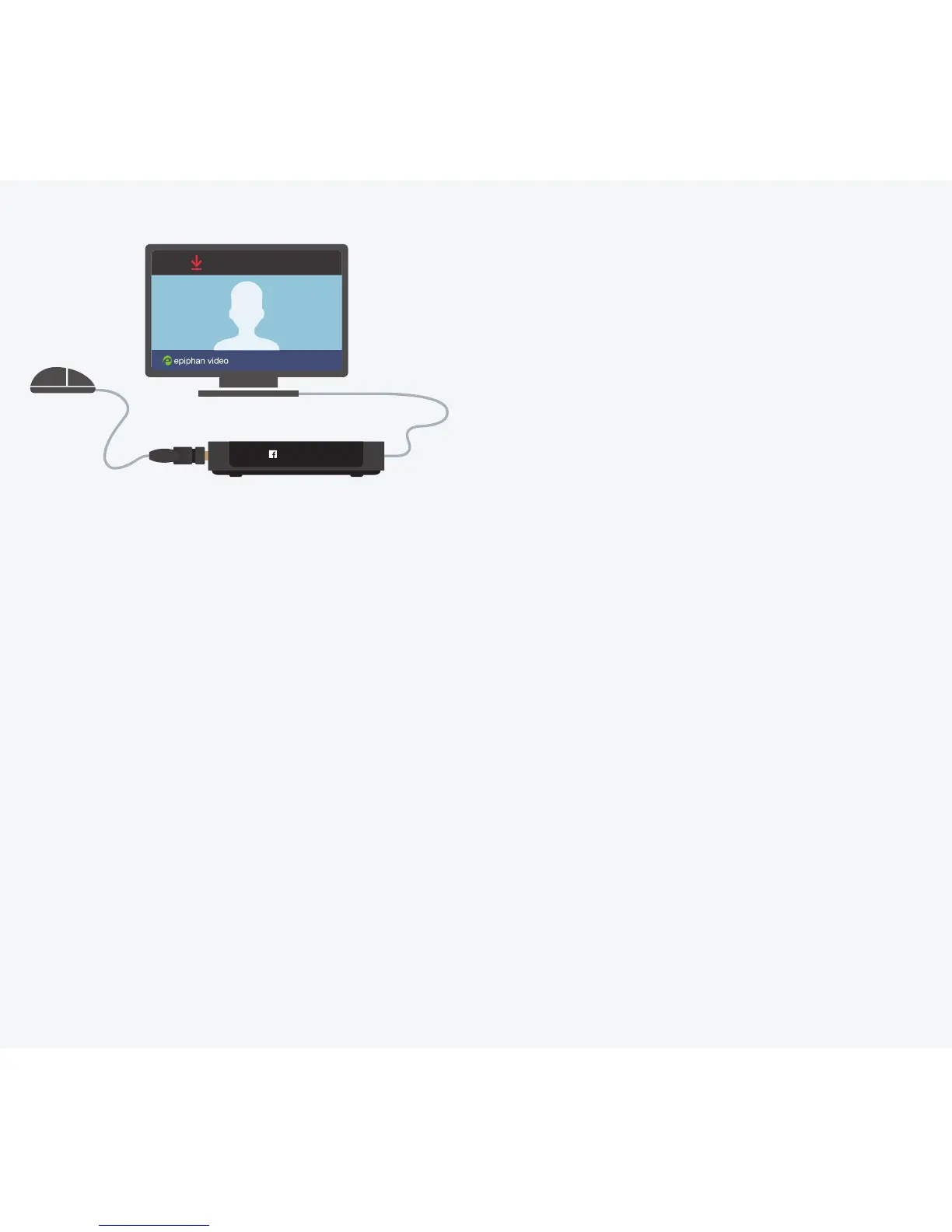
Update available
STREAMING
*Must be connected to the Internet to access rmware updates.
If your Webcaster X2 is already running the latest rmware, no update available message appears.
1 4
Plug in the power and
Ethernet cables.
Connect a display to the
HDMI OUT port and a
mouse to a USB port.
Press the multi-function
power button once to turn
on the Webcaster X2.
Click the Update available*
notice in the top bar.
Wait for the rmware
update to download.
Click Restart and install.
Webcaster X2 automatically
restarts after the rmware
is updated.
2
5
3
6


 To Next Page