6
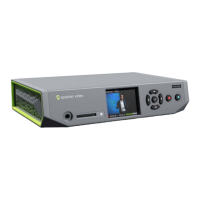
Press the multi-function power button once on
Webcaster X2 to start the live stream. The light blinks
when Webcaster X2 is streaming content.
Tip: The Webcaster X2’s display shows you how long
you’ve been streaming.
Tip: To manage your event:
For YouTube, manage your live event at
https://www.youtube.com/live_dashboard.
For Facebook Live go to your Facebook page to set the title and
manage your live event.
OR


 To Next Page