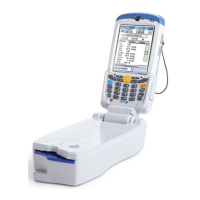
How to install or replace the microSD Card on the epoc Host
2
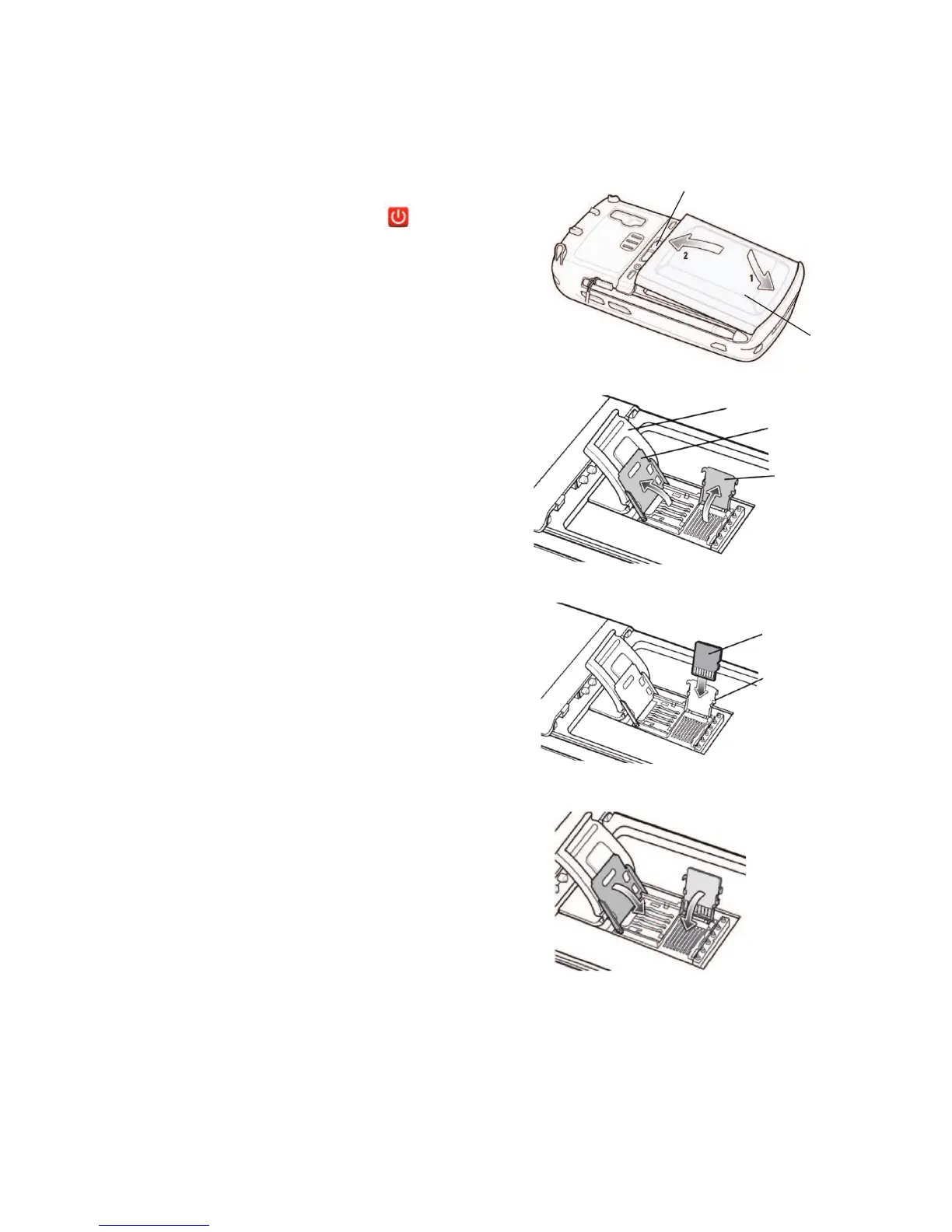
The SD card slot is located on the back of the epoc Host
2
under the battery compartment.
NOTE: It is not necessary to remove the plastic cradle.
1. Press and release the Power button to
suspend the
epoc Host
2
.
2. Use your nger or stylus to slide the
battery latch to the right releasing the
battery. The battery ejects slightly.
3. Lift the battery from the device.
4. Lift the rubber access door and slide SIM
card holder door to unlock.
5. Lift SIM card holder door (if it exists), then
lift the microSD card holder door.
6. If removing microSD card, simply remove
the microSD card from holder.
7. Insert the microSD card, with gold bars
facing out, into the card holder door
ensuring that the card slides into the
holding tabs on each side of the door.
8. Then close microSD card door and slide
SIM card holder door to lock position.
9. Close rubber access door.
10. Insert the battery; bottom rst, into the
battery compartment in the back of the
epoc Host
2
.
11. Press the battery down into the battery
compartment until the battery release
latch snaps into place.
NOTE: T
o upgrade the epoc Host
2
software from an SD card, refer to the epoc System
Manual
.
SIM card
holder door
Rubber access door
Battery Release Latch
Battery
microSD
card holder
door
microSD card
Holding tab
8


 To Previous Page
 Loading...