Resetting the epoc Host
2
There are two reset functions – warm reset and cold reset. In the rare event that the
epoc Host
2
stops responding or is not functioning properly, perform a warm reset. If
the
epoc Host
2
still does not respond, perform a cold reset. Data will not be lost with
either procedure, which takes approximately one minute.
• Perform a warm reset by holding down the power button for 5 seconds.
• Perform a cold reset by simultaneously holding down the power button, the “1”
key, and the “9” key, and then release.
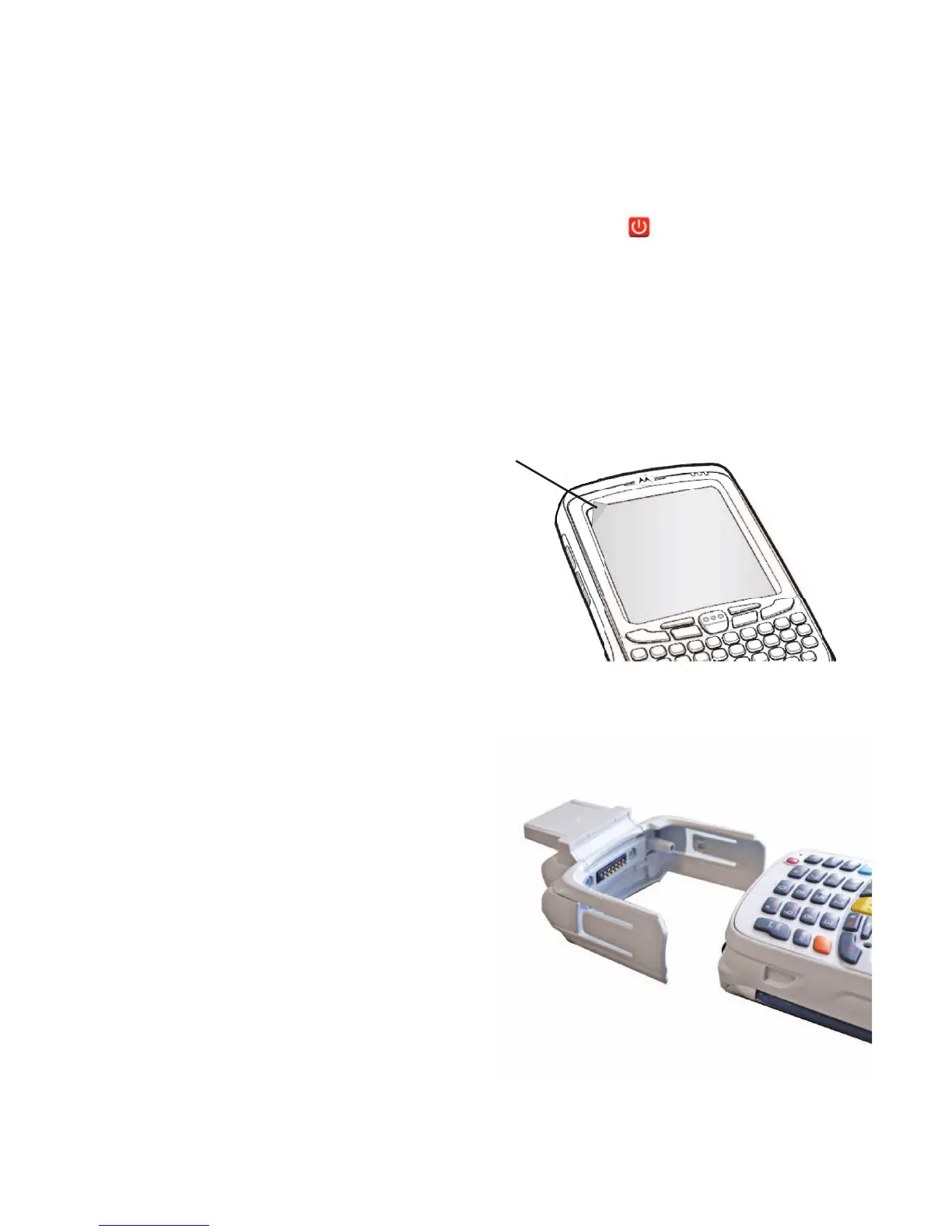
Removing or replacing the Screen Protector
A screen protector has been applied to the
epoc Host
2
to minimize wear and tear to the
device. To remove the screen protector, lift the
corner using a thin plastic card (such as credit
card), then carefully lift it off the display. To install
a new screen protector, refer to the instructions
included with the replacement screen protector.
Installing the Cradle
In the event that the cradle becomes separated
from the
epoc Host
2
, position the cradle as
shown, and press the two together until both
cradle locking tabs snap into the pockets on the
side of the Host.
7


 To Next Page