EasyManua.ls Logo

Epomaker EK98 - Page 2

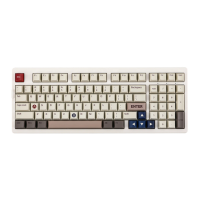
Epomaker EK98
28 pages
Print Icon
To Next Page IconTo Next Page
To Previous Page IconTo Previous Page
Loading...
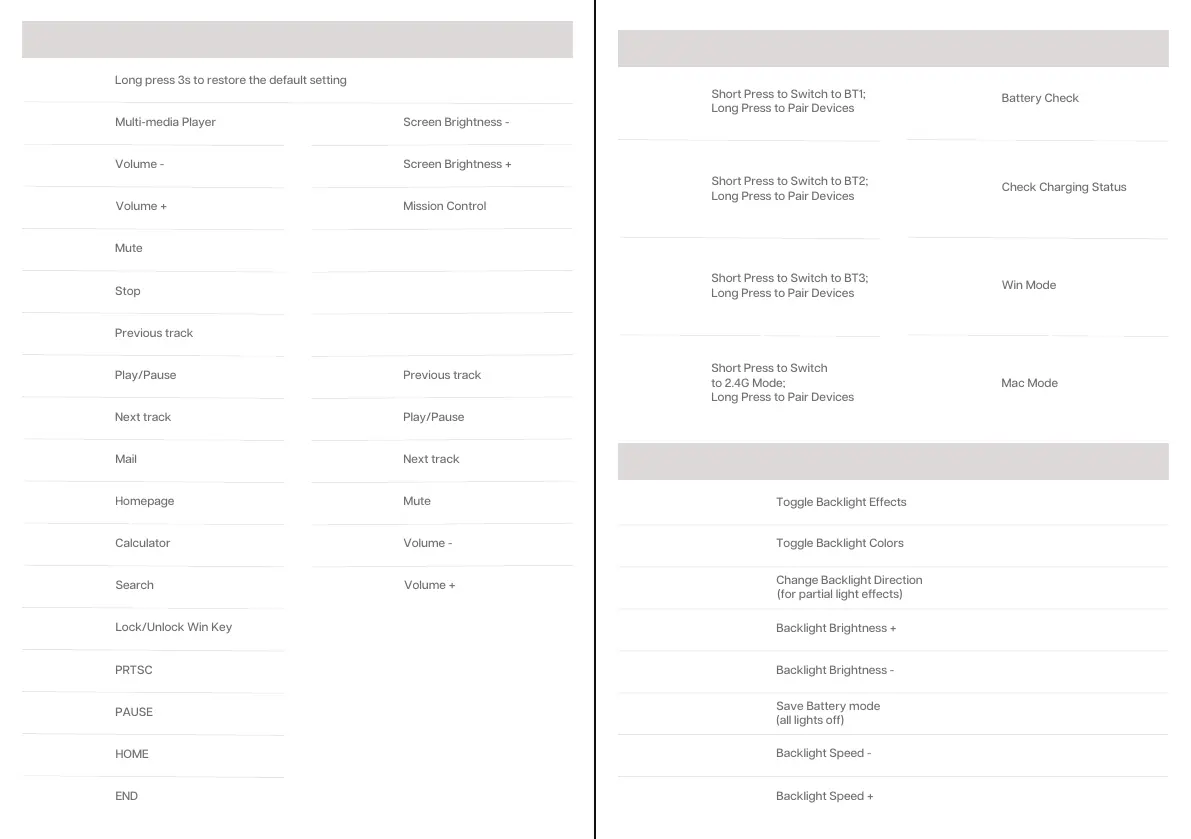
WINDOWS MAC OS
FN + F5
Stop
FN + F6
Previous track
FN + F1
Multi-media Player
FN + ESC
Long press 3s to restore the default setting
Screen Brightness -
FN + F1
FN + F2
Volume -
Screen Brightness +
FN + F2
FN + F3
Mission Control
FN + F3
FN + F4
Mute
FN + F4
FN + F5
FN + F6
FN + F7
Play/Pause
Previous track
FN + F7
FN + F8
Next track
Play/Pause
FN + F8
FN + F9
Mail
Next track
FN + F9
FN + F10
Homepage
Mute
FN + F10
FN + F11
Calculator
Volume -
FN + F11
FN + F12
Search
FN + F12
Volume +
FN + WIN
Lock/Unlock Win Key
FN + INS
PRTSC
FN + DEL
PAUSE
FN + PGUP
HOME
FN + PGDN
END
CONNECTION & OTHER FUNCTIONS
FN + Q
Short Press to Switch to BT1;
Long Press to Pair Devices
FN + W
Short Press to Switch to BT2;
Long Press to Pair Devices
FN + E
Short Press to Switch to BT3;
Long Press to Pair Devices
FN + R
Short Press to Switch
to 2.4G Mode;
Long Press to Pair Devices
FN + ENTER
Battery Check
FN
+ SPACEBAR
Check Charging Status
FN + A
Win Mode
FN + S
Mac Mode
LIGHTS
FN +
Backlight Brightness -
FN + BACKSPACE
Save Battery mode
(all lights off)
FN + -_
Backlight Speed -
FN + =+
Backlight Speed +
FN + \|
Toggle Backlight Effects
FN +
Toggle Backlight Colors
FN +
Change Backlight Direction
(for partial light effects)
FN +
Backlight Brightness +

Related product manuals