EN
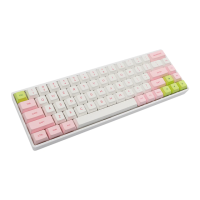
PBTKEYCAPS:
RGBLIGHT:
6200mAhBATTERY CAPACITY:
Type-C Wired & Bluetooth WirelessCONNECTIVITY:
Windows/MacCOMPATIBILITY:
440mm×130mm×28mmDIMENSION:
1030±20gWEIGHT:
YES
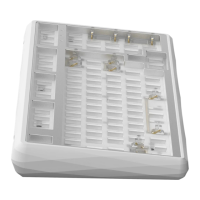
HOTSWAP:
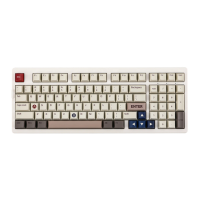
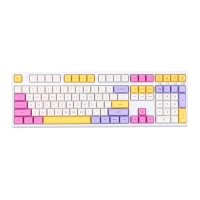
108 Keys
KEYS AMOUNT:
SPECIFICATION PARAMETER
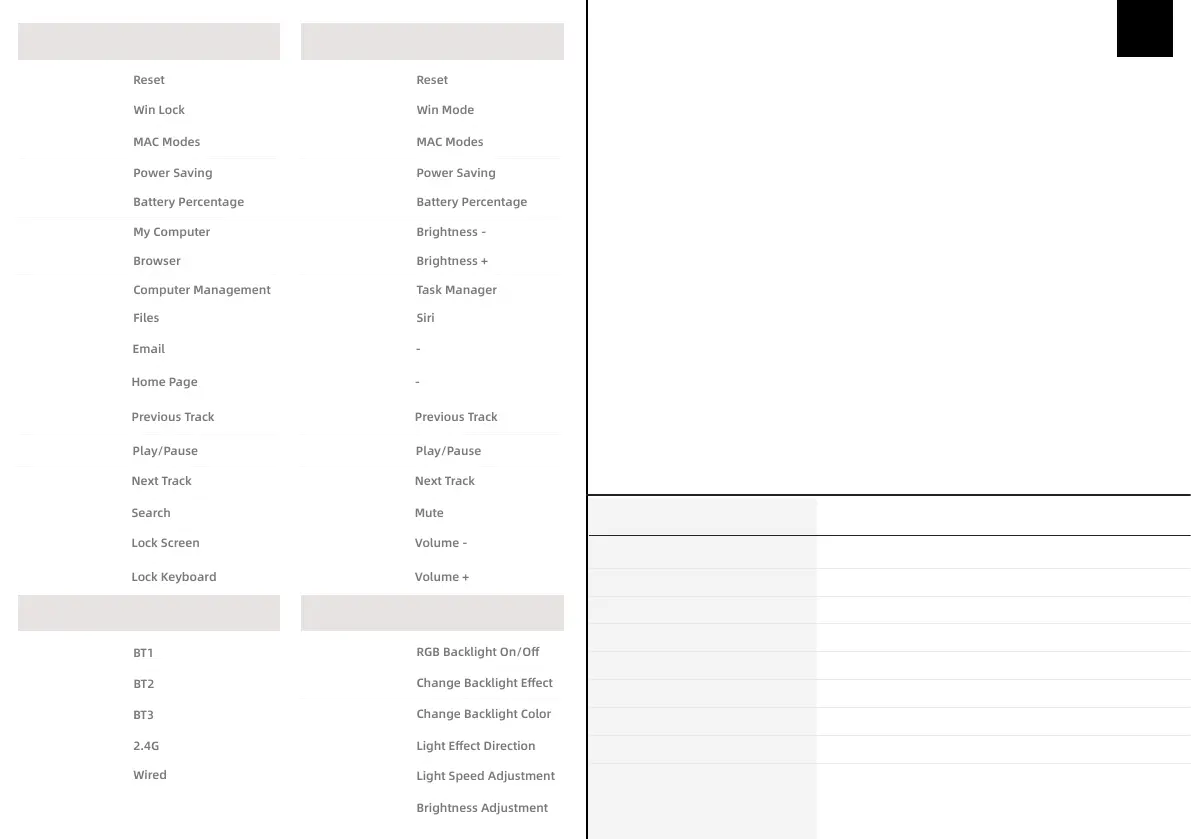
WIN MODES MAC MODES
CONNECTION MODE RGB SETTINGS
Fn+Esc (5s)
Fn+Win
Fn+S
Fn+PgUp
Fn+0
Fn+F1
Fn+F2
Fn+F3
Fn+F4
Fn+F5
Fn+F6
Fn+F7
Fn+F8
Fn+F9
Fn+F10
Fn+F11
Fn+F12
Fn+Esc (5s)
Fn+Win
Fn+S
Fn+PgUp
Fn+0
F1
(numpad)(numpad)
F2
F3
F4
F5
F6
F7
F8
F9
F10
F11
F12
Fn+1
Fn+2
Fn+3
Fn+4
Fn+5
Fn+Backspace
Fn+Ins
Fn+Home
Fn+Del
Fn+←→
Fn+↑↓
SWITCH THE CONNECTED DEVICE
1. Short press Fn+1/2/3/4/5 to switch the device connection mode
2. The indicator light flashes slowly during the connection process of the device,
and the indicator light stays on for 2s after the connection is successful
3. If the connection fails, the indicator light goes out and the keyboard sleeps
PAIRING BLUETOOTH
1. After the keyboard is turned on, press and hold Fn+1/2/3 until the
indicator light flashes quickly to enter pairing mode
2. Find the KC108 BT3.0/5.0 on the bluetooth receiving device and pair it with
it. After the pairing is completed, the indicator light is always on for 2s
3. If the pairing fails, the keyboard indicator turns off and goes to sleep,
please re-pair
PAIRING WIRELESS 2.4GHz
1. Press and hold 4 until the pairing indicator flashes quickly to enter the 2.4G pairing mode
2. Insert the 2.4G receiver and place the keyboard as close to the 2.4G receiver as possible
3. After the code matching is successful, exit the code matching, the mode light is always on
for 10s
4. If the code matching device is not found successfully, the indicator light turns off and goes to
sleep after 30s, please perform the code matching operation again.
POWER SAVE MODE
When wirelessly connected (Bluetooth/2.4G), turn off the backlight without any operation for 5
minutes, and enter into deep sleep without operation for 30 minutes
Press Fn+PGUP to enter the battery saving mode.


 To Next Page