Epomaker SK61/GK61 Extended Manual Version 1.3
Layout Section
The layout section is here to help people understand how to remap keys, edit their language
settings and also set up a Mac layout, restore to default settings, and also understand what the
different layers are and how they work.
Changing Keyboard Language Settings
This will help people who use different layouts than the typical US layout. You will need to order
separate language keycaps that support your layout, however.
Windows
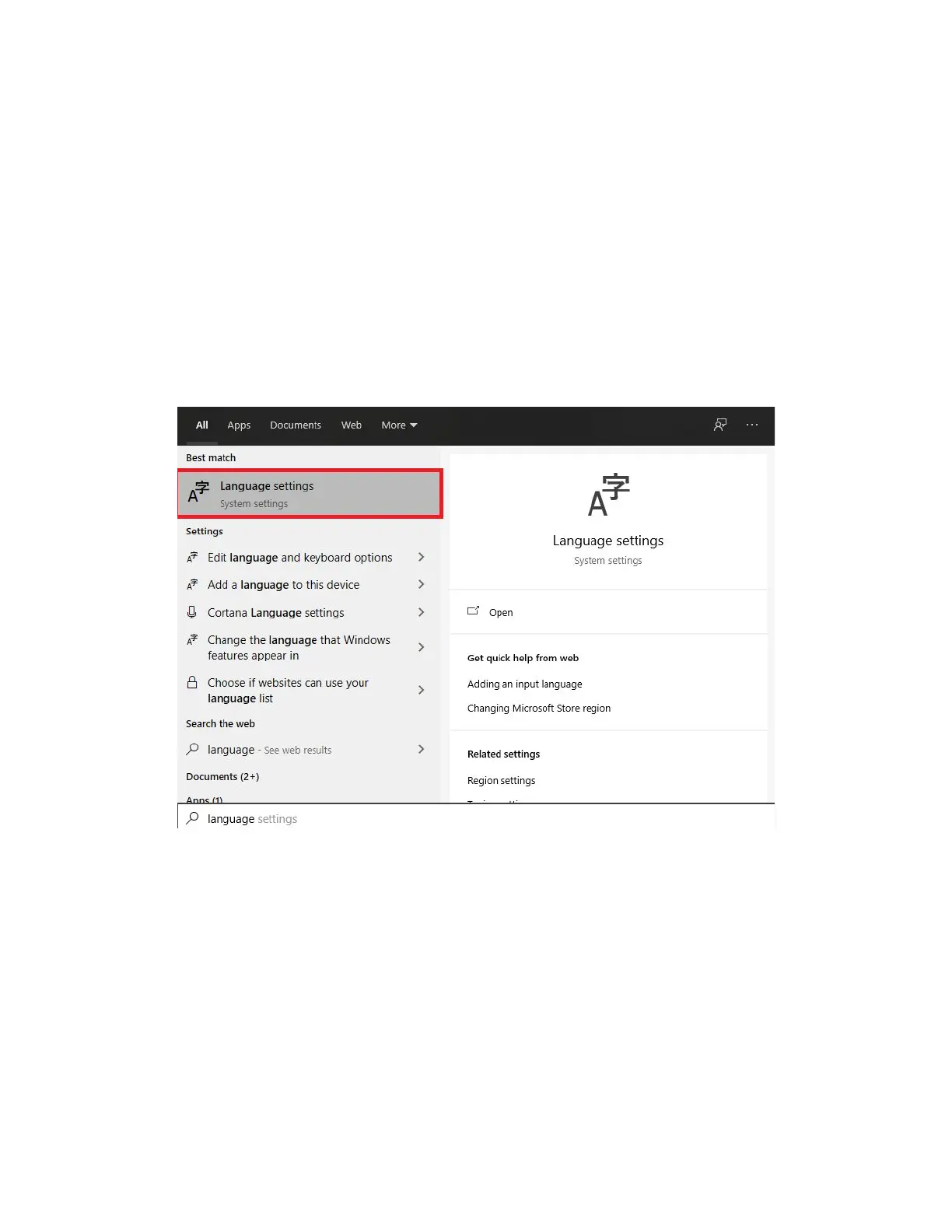
1. Start by pressing your Windows key and searching “Language Settings”
2. Select your default language and click options. This section is for configuring your
keyboard layout. In this case, I will change to the United States-Dvorak
40



 To Next Page