Epomaker SK61/GK61 Extended Manual Version 1.3
4. Press the key that you would like to assign to the keyboard, in this case, we are
assigning the Backspace. You will then see the button flash with the name of the key
you just assigned.
5. Press Save, and then Apply.
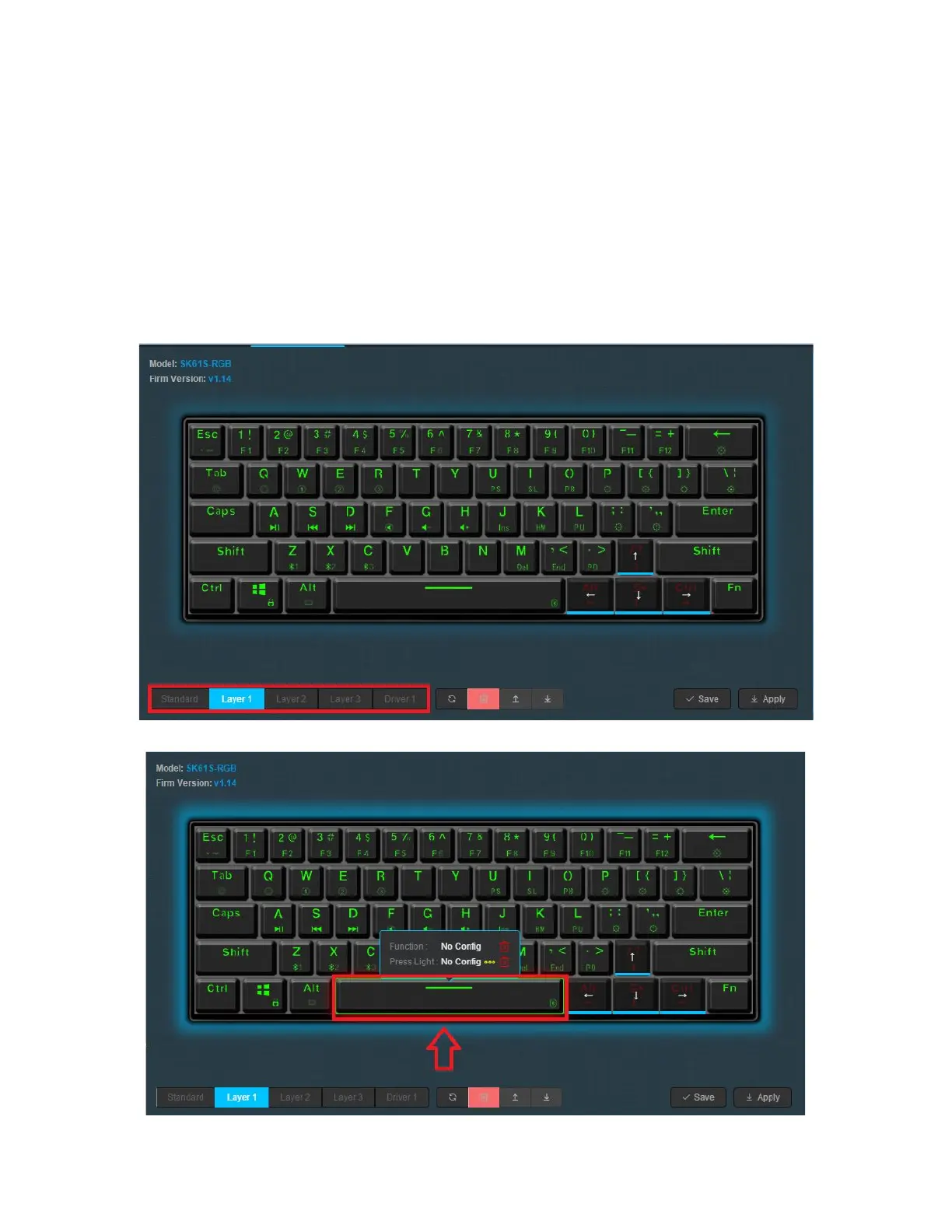
Remapping A Key Combination
If you want to make a keyboard combination of your layout, you can do this to have more if you
want to have more functionality on your board. In this case, we’re going to map LCtrl + R to our
Spacebar.
1. Select your layer, in this case, we are going to be adding our Key Combination to Driver
47



 To Next Page