1. EPOS Connect
Download our freeware program EPOS CONNECT on a Windows based PC
and follow the installation instructions. Download here
Step 1:
EPOS Connect
2. Run EPOS Connect
After you successfully installed the program, you will then need to connect
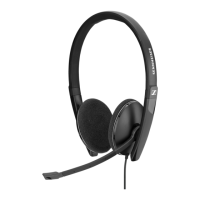
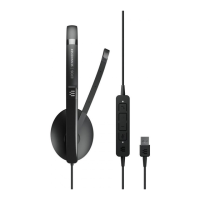
your PC 8.2 USB to your computer and run EPOS CONNECT.
Step 2:
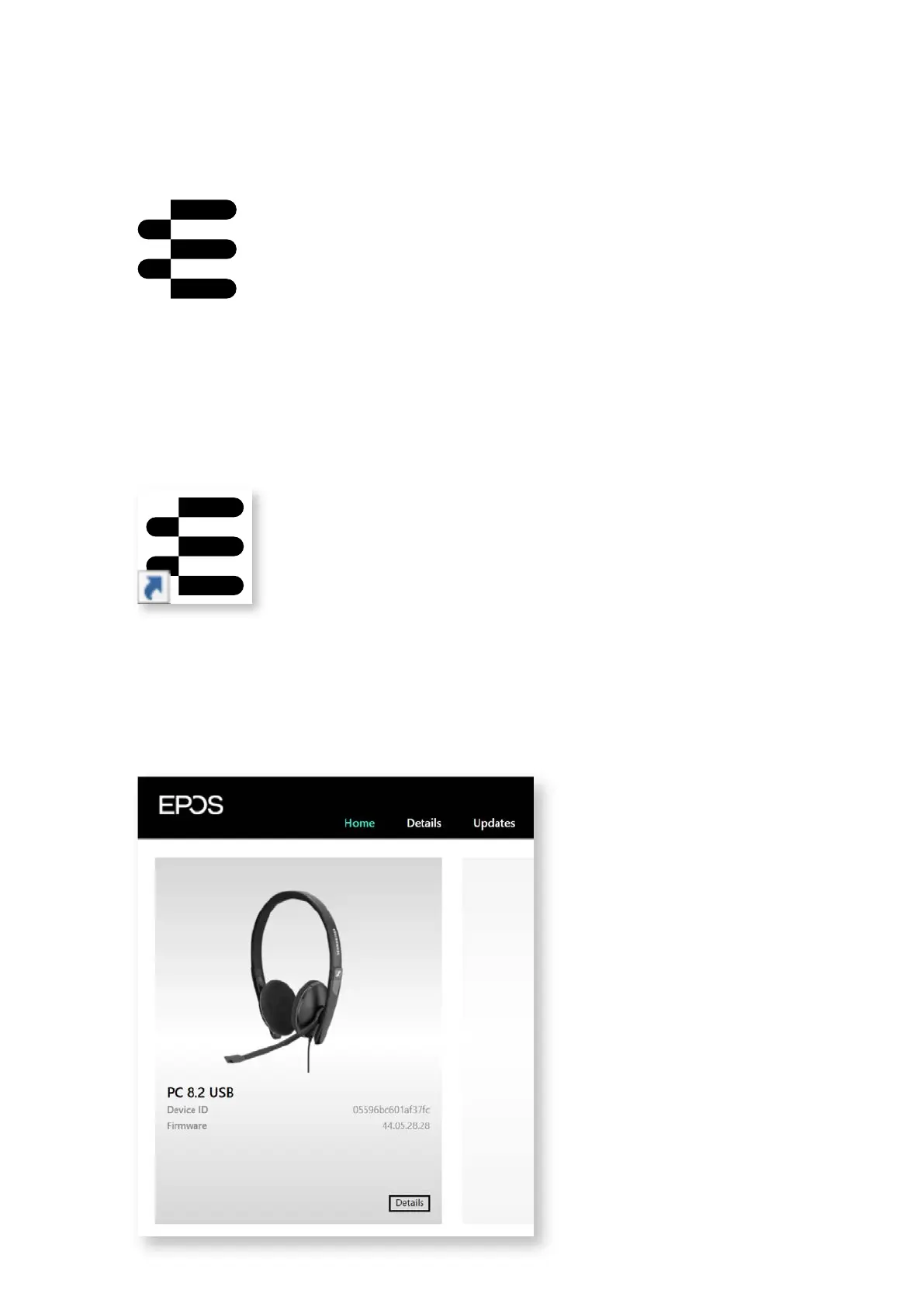
3. Firmware detection
Once you open the program, PC 8.2 USB will be automatically recognized
and you will be able to see the current rmware version on your device.
Step 3:
3 SOFTWARE GUIDE – PC 8.2 USB




 To Next Page