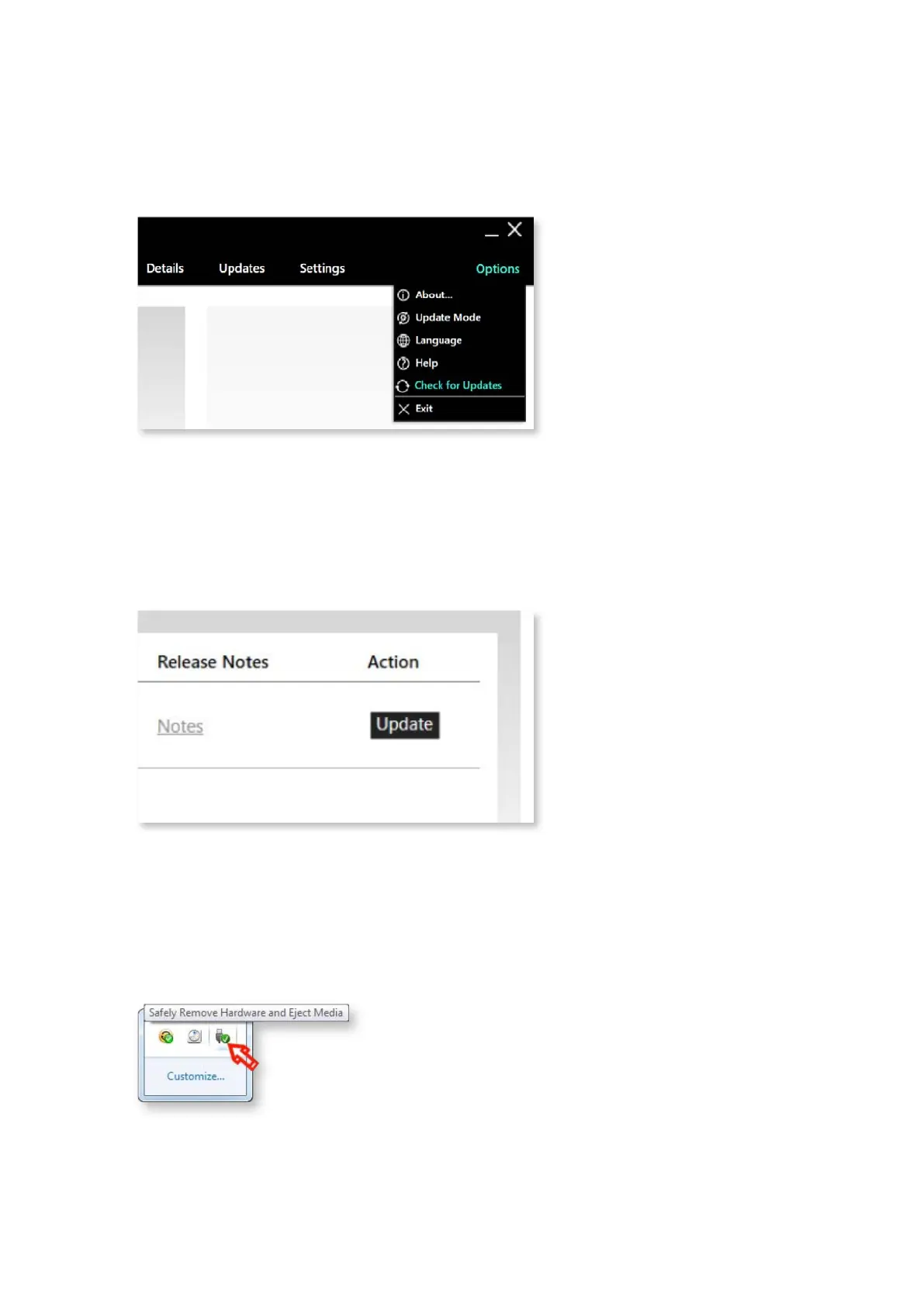
4. Check for updates
Click on Options and select Check for Updates,EPOS CONNECTwill now retrieve
the latest rmware versions available. Ensure that you have an active connection to
the internet, and that no rewall is blocking the internet connection to our servers.
Step 4:
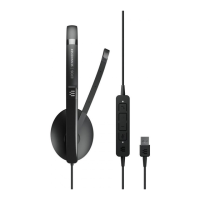
5. Update PC 8.2 USB
Now simply go to the “Updates” tab, click the ‘Update’ button.
The program will download the latest version and upload it to the device.
Step 5:
6. Complete the update
Once completing the update of your headset, please disconnect PC 8.2 USB
and connect it again to conrm that the latest rmware was successfully installed.
Step 6:
4 SOFTWARE GUIDE – PC 8.2 USB




 To Next Page