
 Need help?
Do you have a question about the EPS eSoft Pro and is the answer not in the manual?
Lists the essential components included with the water softener, such as the unit, transformer, and fittings.
Details connections for water supply, softened water outlet, regeneration drain, and overflow.
Guides on configuring the control unit's time, hardness, and regeneration schedule.
Steps for initial water fill, purging, and testing the regeneration process.
Explains how to use the controller for monitoring and initiating regeneration.
Outlines the warranty period and conditions for the water softener.
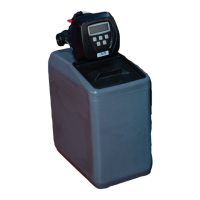
Diagram and component labels for the 10L model installation.
Diagram and component labels for the 30L model installation.
Provides detailed technical specifications for various softener models and connections.
Includes important notes regarding installation location and installer details.
 General
| Brand | EPS |
|---|---|
| Model | eSoft Pro |
| Category | Water Dispenser |
| Language | English |

 To Next Page