Changing the Projection Mode Using the Menus
You can change the projection mode to flip the image over top-to-bottom and/or left-to-right using the
projector menus.
1. Turn on the projector and display an image.
2. Press the Menu button.
3. Select the Extended menu and press Enter.
4. Select the Projection setting and press Enter.
5. Select a projection mode and press Enter.
6. Press Menu or Esc to exit the menus.
INSTALLATION
HANDBOOK
Remote Control Info
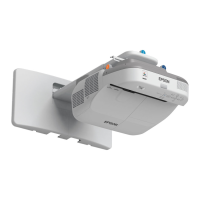
Epson PowerLite 570 / 575W / 580 / 585W
5



 To Previous Page