Basic Scanning
Page 27
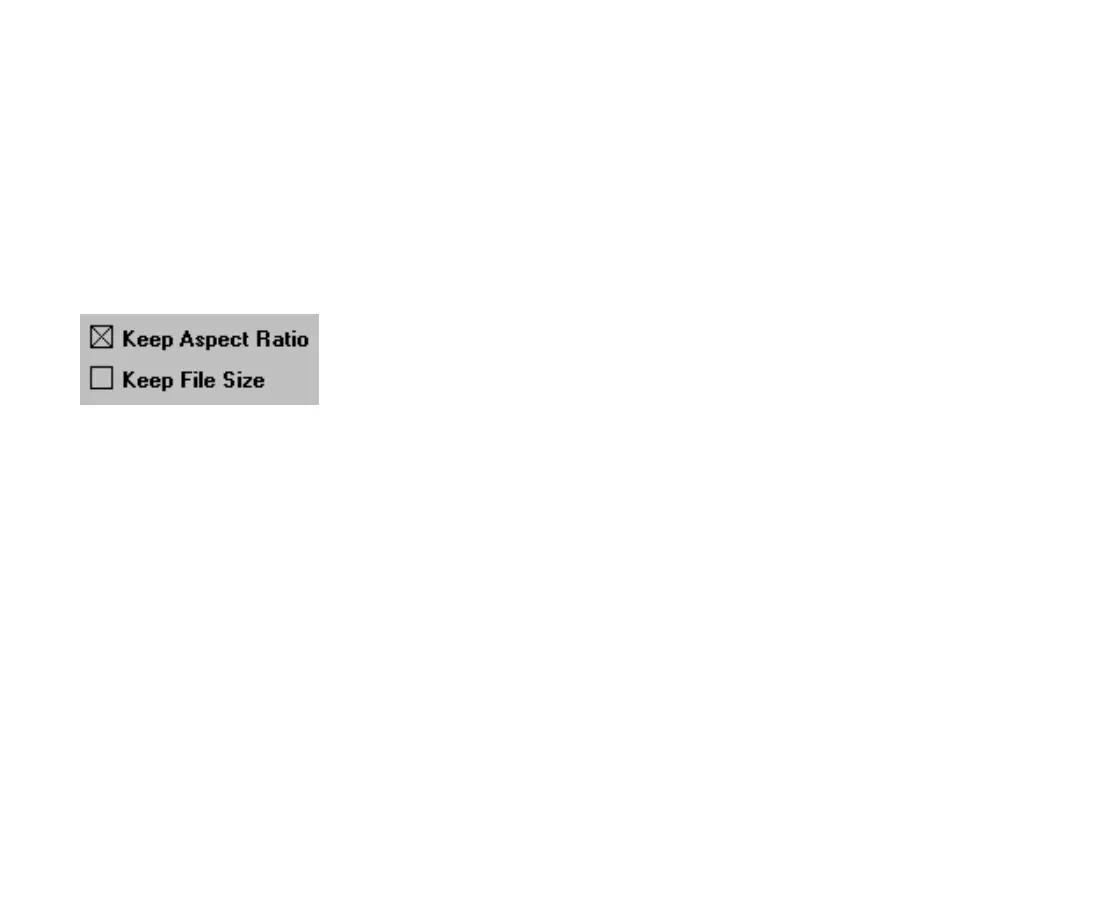
2. Specify whether to maintain the aspect ratio of the
original image.
When specifying a size for the scanned image,
you’ll probably want the final image to have the
same width-to-length (height) proportion (the
aspect
ratio)
of
the original image.
When Keep Aspect Ratio is checked, the EPSON
Perfection 600 software automatically adjusts the
other value when you change the height or width so
the scanned image has the same proportions as the
original.
For example, if the original image is 2 inches high
and 3 inches wide (a 2 x 3 aspect ratio) and you
change the height to 4 inches, the scanner software
automatically changes the width to 6 inches to
maintain the 2 x 3 aspect ratio.
3. Specify whether to maintain the file size of the
scanned image.
TWAIN.bk : basic.fm5 Page 27 Monday, September 8, 1997 11:30 AM











 To Next Page