Advanced Scanning
Page 39
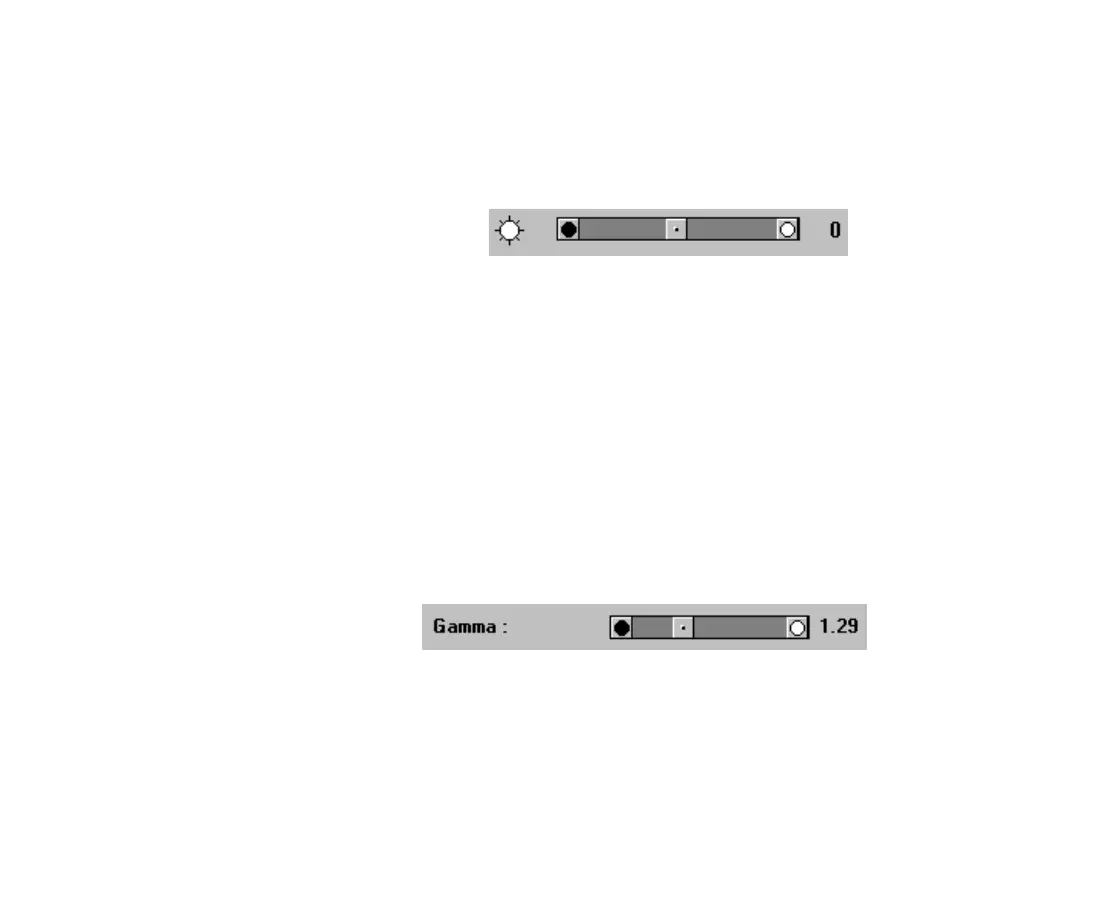
Brightness
Use the Brightness tool to adjust the brightness of the
tones in the image.
To increase the brightness in the image, move the
Contrast slider to the right.
To decrease the brightness, move the slider to the left.
Gamma Tool
If an image has midtones that run together, use the
Gamma tool.
When you decrease the gamma value, you increase
contrast, so light colors are lighter and dark colors are
darker.
TWAIN.bk : Advanced.fm5 Page 39 Monday, September 8, 1997 11:30 AM











 To Next Page