Advanced Scanning
Page 34
3. Type new height and/or width measurements in the
main window Output box.
Resize an Image by Manually Entering Scale
Percentage
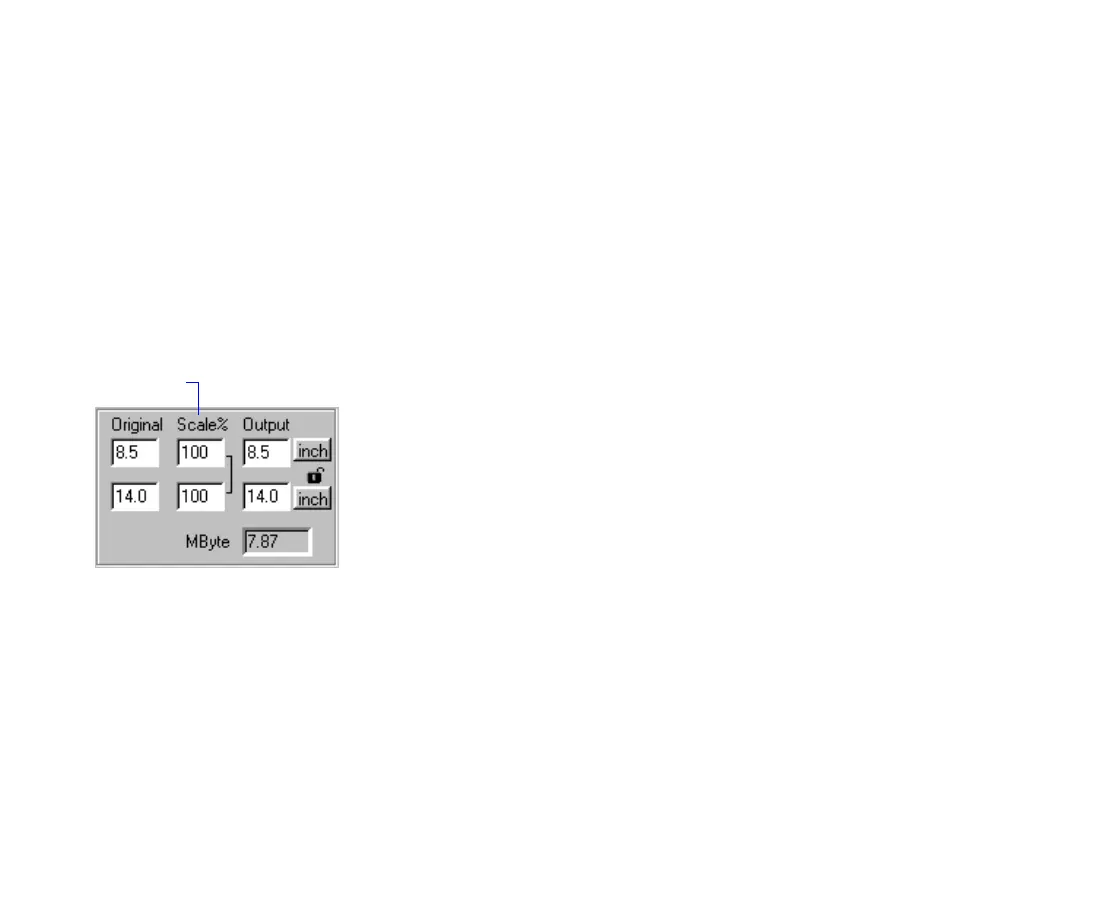
To resize an image by typing in a scale (magnification)
percentage:
1. Click on a frame if there’s more than one displayed.
2. Make sure that the proportional scaling icon is
locked to automatically maintain the image’s
height-to-width ratio. (If it’s not, click on it to lock it.)
3. Type a new height and/or width scale factor.
A number greater than 100% increases the image
output from the original. A number less than 100%
decreases the image output from the original.
Scale
Percenta
e
TWAIN.bk : advanced.fm5 Page 34 Monday, September 8, 1997 2:06 PM











 To Next Page