Setting Up the Copy Station 29
Plugging in the scanner
1. Check the label on the back of the scanner to make sure
that the voltage required by the scanner matches that of the
electrical outlet it will be plugged into. Also, make sure that
you have the correct power cord for your power source.
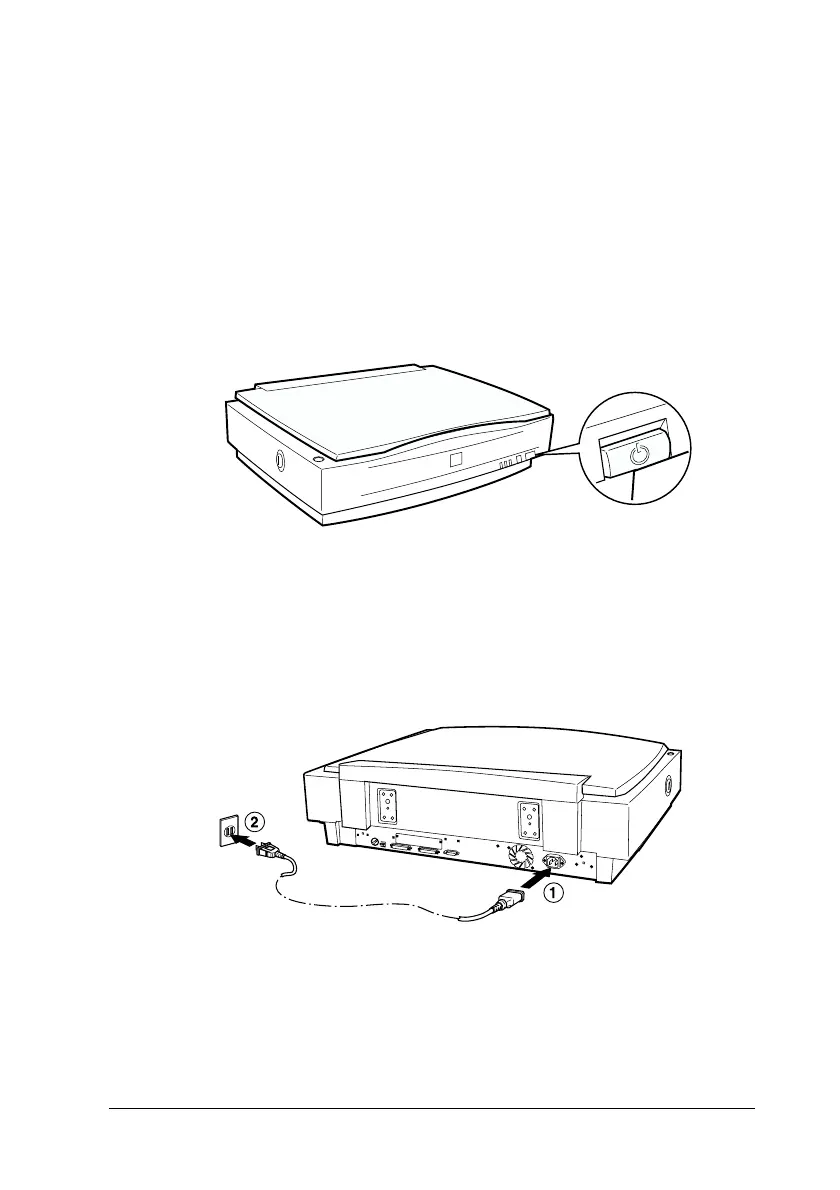
2. Make sure the scanner is turned off. The power is off when
the P OPERATE button is raised.
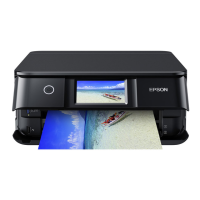
3. Connect the power cord to the AC inlet on the back of the
scanner, and plug the other end into a properly-grounded
electrical outlet.



 To Next Page