Setting Up the Copy Station 25
Setting Up the Copy Station
Once you have added each device to the cabinet, you are ready to
set up the copy station. This process involves connecting the
interface cables and power cords. Follow the steps in this section.
Connecting Interface Cables
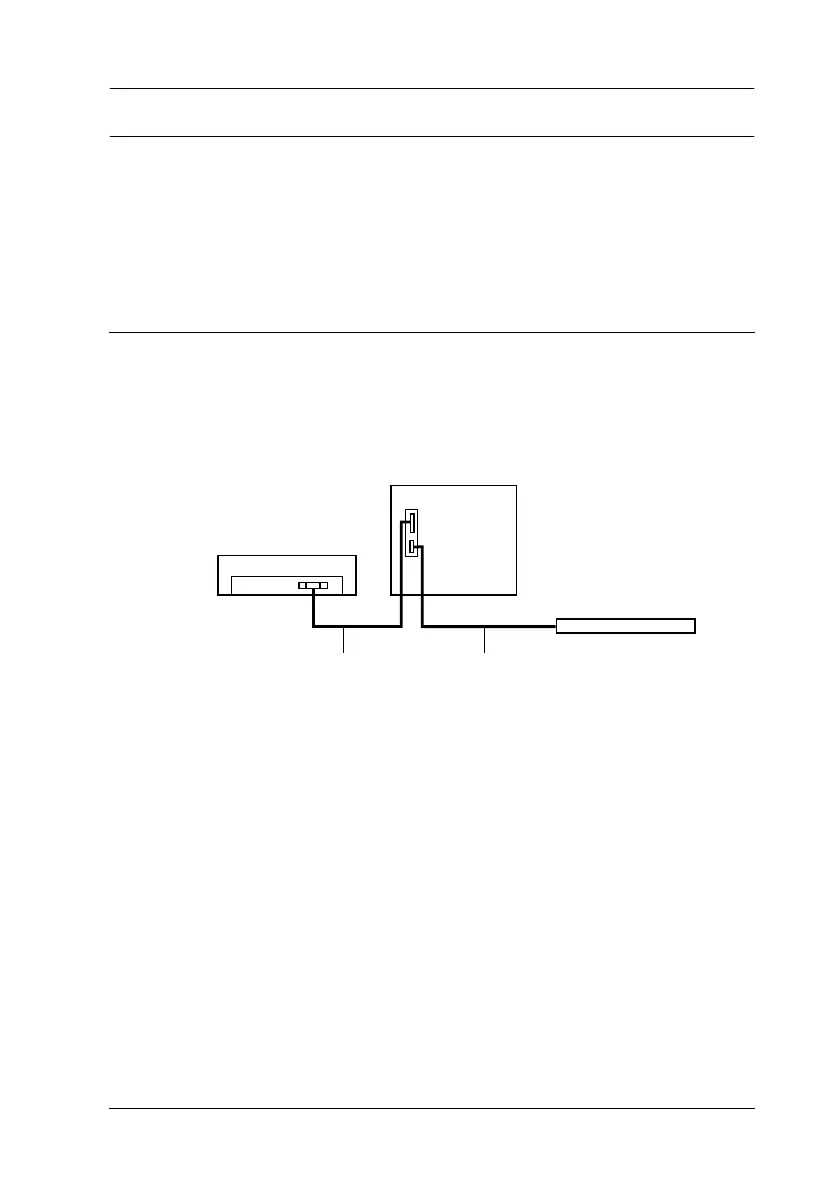
The copy station devices are connected as shown below.
Follow the steps in this section to connect the interface cables.
1. Make sure the printer and scanner are not plugged in.
scanner
control panel
pr
n
er
control panel cablescanner cable



 To Next Page