19
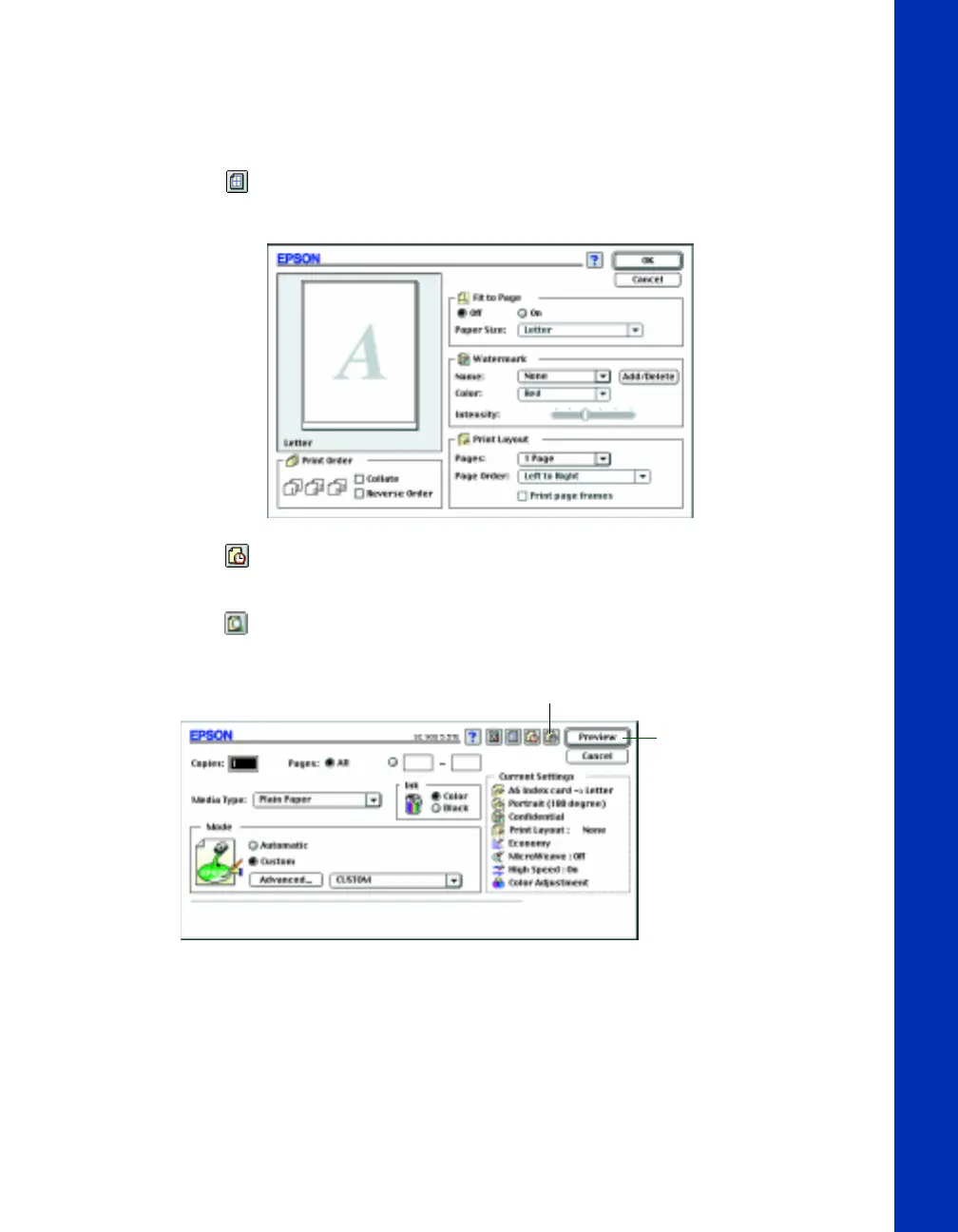
8. Click the Layout icon if you want to reduce or enlarge your printed image,
print multiple pages on one sheet of paper, or add a watermark.
9. Click the Background Printing icon if you want to prioritize or schedule your
print job for printing.
10. Click the Preview icon, then click the Preview button that appears, if you
want to preview how your layout and other settings will look.
Click the Preview icon
The Print button
changes to the
Preview button
basics.book Page 19 Friday, January 8, 1999 11:57 AM















 To Next Page