42
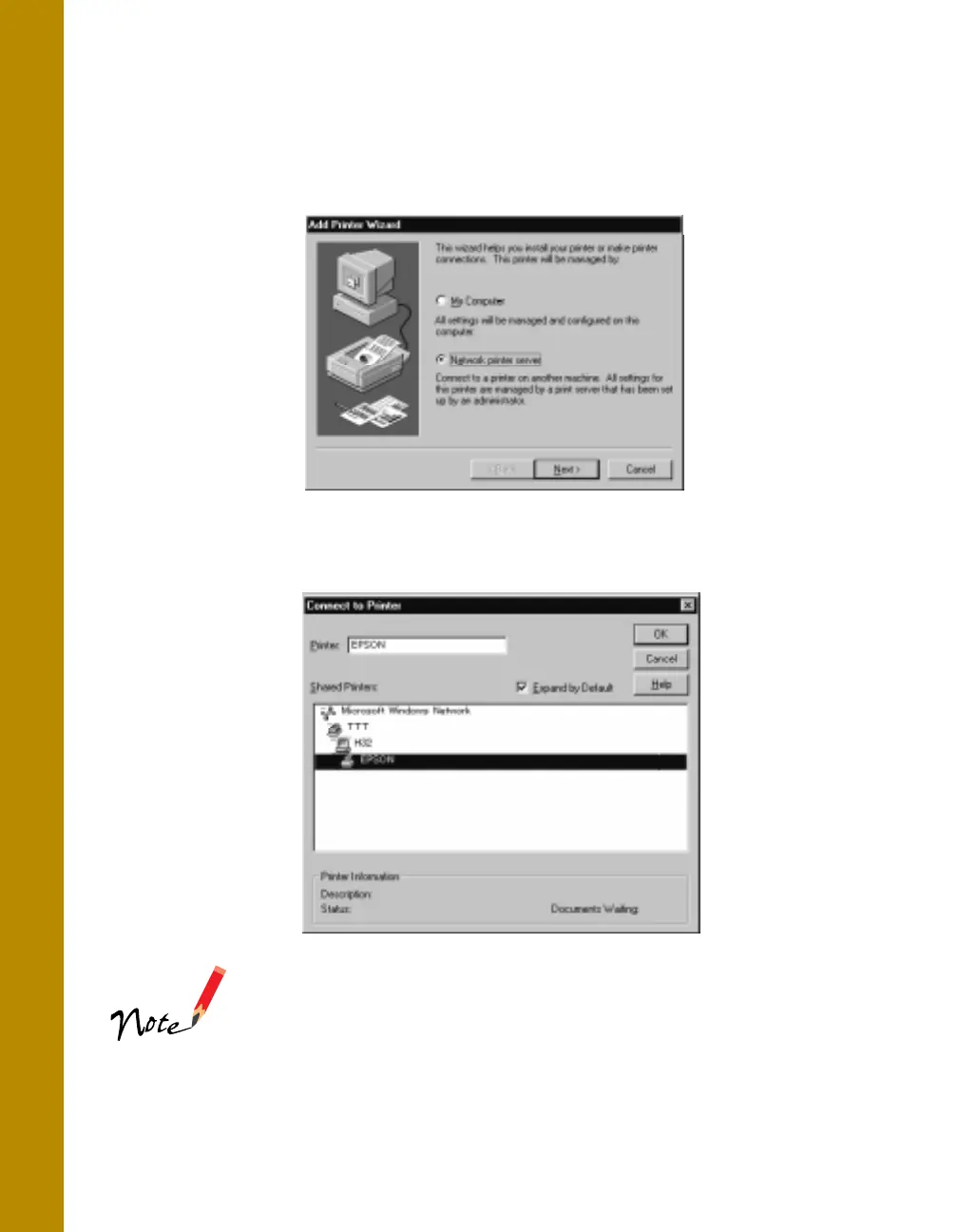
3. Click
Network printer server
, then click
Next
.
4. Double-click the icon of the computer that is directly connected to the printer.
Then click the printer’s icon.
Be sure to confirm all network settings with the network
administrator.
5. Click OK and follow the on-screen instructions.
basics.book Page 42 Friday, January 8, 1999 11:57 AM















 To Next Page