Wireless Network Installation 17
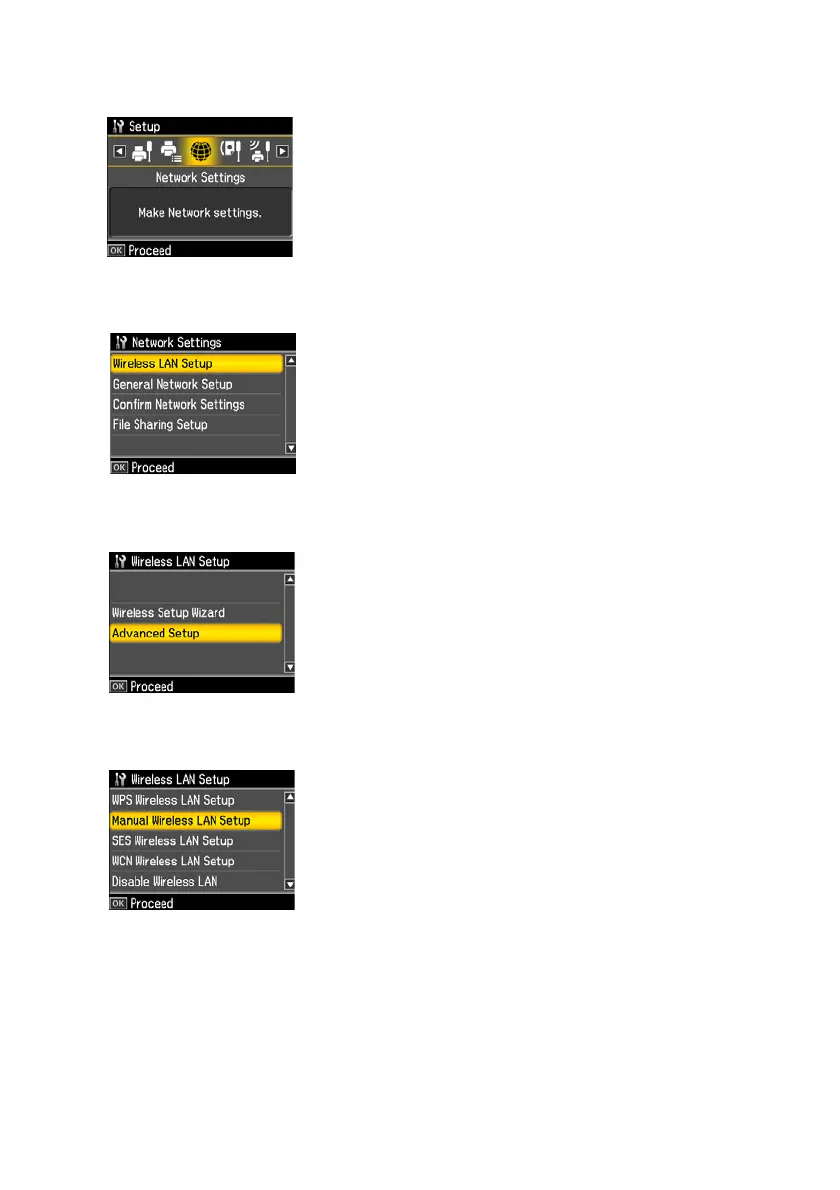
2. Press l or r to select
Network Settings, then press OK.
3. Press
OK to select Wireless LAN Setup.
4. Press u or d to select
Advanced Setup, then press OK.
5. Press u or d to select
Manual Wireless LAN Setup, then press OK.



 To Next Page
 Loading...









