Wired (Ethernet) Installation 23
Wired (Ethernet) Installation
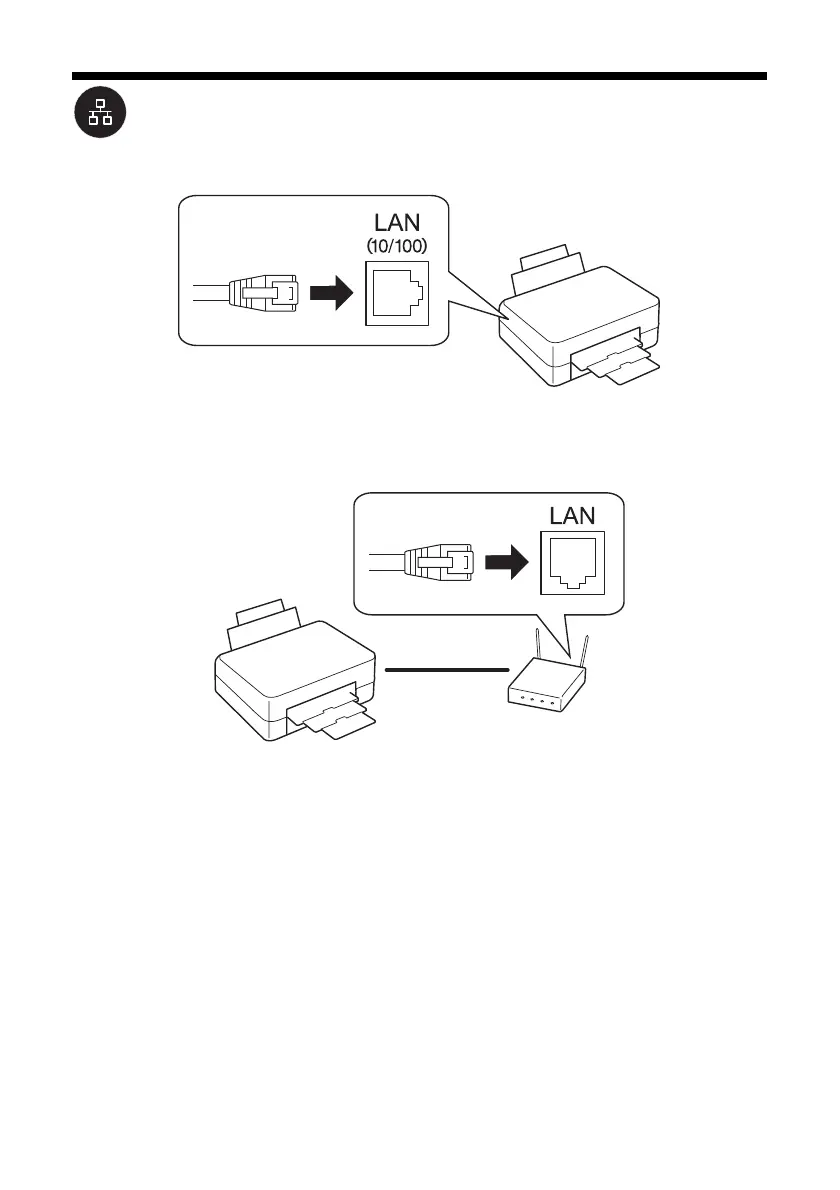
1. Connect an Ethernet network cable to the LAN (10/100) port on your printer.
2. Connect the other end to any available LAN port on your router, access point,
or hub.
Note:
If you’re switching from a wireless to a wired network connection, you need to
disable the wireless adapter using the printer’s control panel. Select F Setup on
the printer’s control panel, select Network Settings > Wireless LAN Setup >
Advanced Setup > Disable Wireless LAN. Select Yes, then press OK.
3. Continue with the next section to install software.



 To Next Page
 Loading...









