63
Chapter 3 Handling
Handling
This chapter describes basic handling of the printer.
Turning the Power On/Off
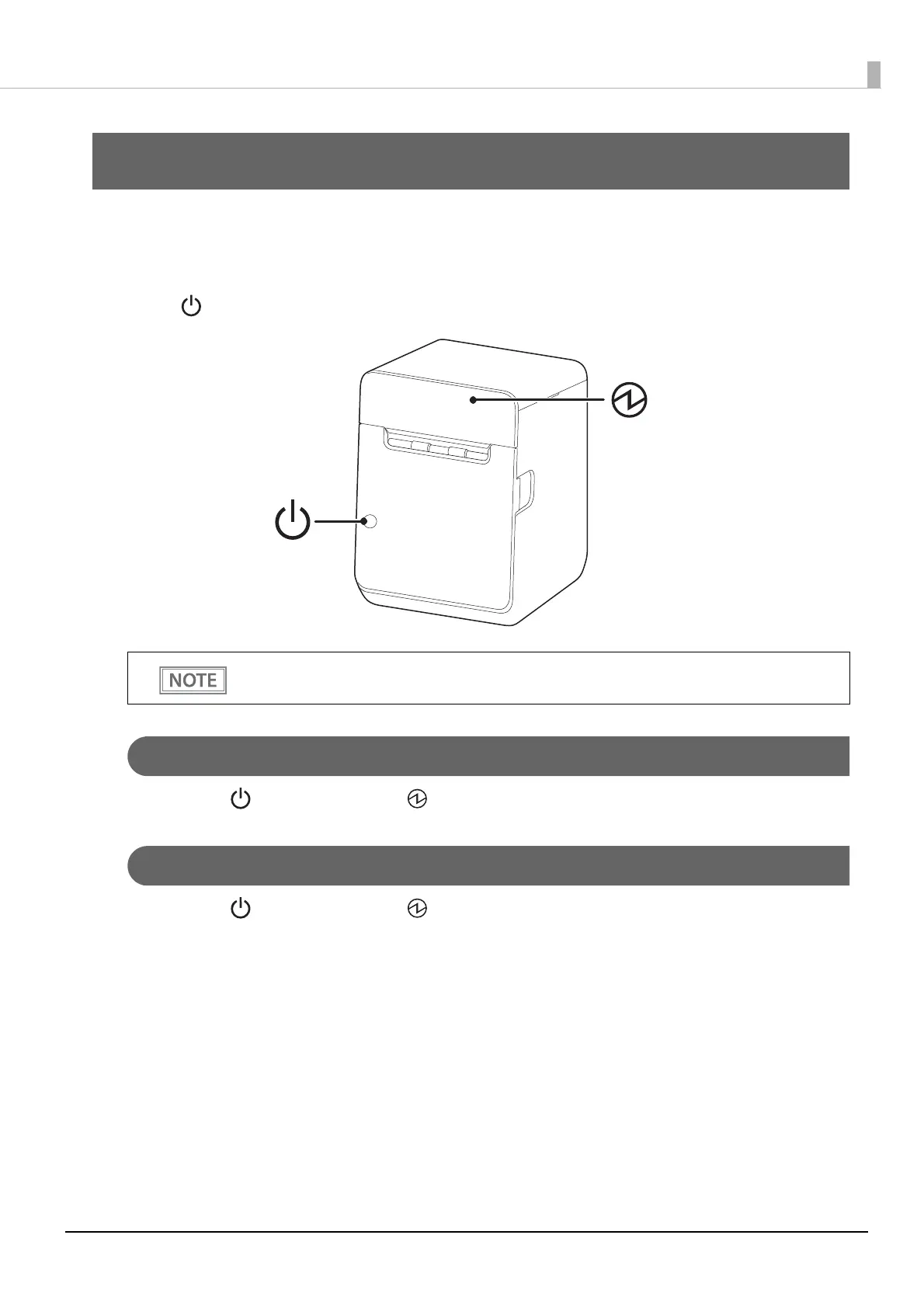
Use the power button to turn the printer on or off.
Turning the Power On
Hold down the power button until the power LED turns on, then release the button.
Turning the Power Off
Hold down the power button until the power LED starts flashing, then release the button.
You can turn the printer on and off by operating the breaker without using the power button.
For more details, see
"Precautions when Developing Applications" on page 117.




 To Next Page