To Next Page
R
rodneyturnerAug 3, 2025
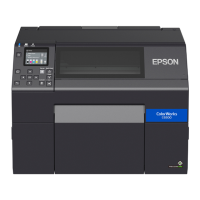
What to do if paper is jammed in Epson CW-C6550A Printer?
- MMichelle LoveAug 3, 2025
If the paper is jammed in your Epson Printer, here's what to do: First, cut the paper near the paper ejection slot. Then, open the front cover. If there are ripped pieces of paper on the platen, remove them. If the print head is not on the far right, hold it down and move it to the far right. Open the paper cover, raise the release lever, and pull the paper out from the paper feed slot. Lower the release lever, close the paper cover and the front cover. Finally, press the Pause button to clear the error and load the paper again to resume printing.
 General