Solutions When Simple Stacking is not Applied Correctly .................................177
Solutions W
hen Simple Blending is not Applied Correctly ................................ 177
Solutions When an Afterimage Remains on the Projected Image ...................... 178
Solutions to Sound Problems .........................................................................178
Solving Projector or Remote Control Operation Problems ..........179
Solutions to Projector Power or Shut-O Problems ..........................................179
Solutions to Problems with the Remote Control .............................................. 179
Solutions to Password Problems .....................................................................180
Solution When "The Battery that Saves Your Clock Settings is Running Low"
Message Appears ..........................................................................................180
Solutions When You Cannot Control the Projector Using HDBaseT ....................180
Solutions to Problems in Content Playback Mode ........................181
Solving Network Problems ............................................................. 182
Solutions When Wireless Authentication Fails ..................................................182
Solutions When You Cannot Access the Projector Through the Web ..................182
Solutions When Network Alert E-Mails are not Received ...................................182
Solutions When the Image Contains Static During Network Projection ..............183
Solutions When You Cannot Monitor and Control the Projector over a Network . 183
Appendix 184
Optional Accessories and Replacement Parts ............................... 185
Lens
.............................................................................................................185
Cables ..........................................................................................................185
Mounts ........................................................................................................185
External Devices ........................................................................................... 186
For Wireless Connection ................................................................................186
Screen Size and Projection Distance ..............................................187
Projection Distance Formula ..........................................................................187
Projection Distance .......................................................................................191
Projector Specications .................................................................. 197
Supported Features for Epson Projector Content Manager ........ 199
List of Safety Symbols and Instructions ........................................ 200
Laser Safety Information ................................................................ 202
Laser Warning Labels .................................................................................... 202
Hazard Distance according to IEC62471-5 .......................................................203
Notices ..............................................................................................204
FCC Compliance Statement ........................................................................... 204
Indication of the manufacturer and the importer in accordance with requirements
of EU directive ..............................................................................................205
Indication of the manufacturer and the importer in accordance with requirements
of United Kingdom directive ..........................................................................205
Restriction of Use ..........................................................................................205
Operating System References ........................................................................ 205
Trademarks .................................................................................................. 206
Copyright Notice .......................................................................................... 206
Copyright Attribution ....................................................................................206
Contents
7

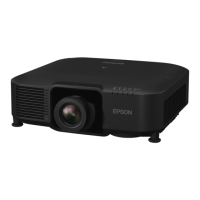

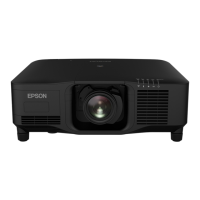
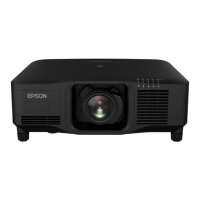
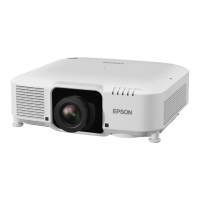

 To Next Page